Usually at this time I would publish a blog post of the top ten posts of the previous twelve months. However WordPress have stopped doing free stats for blogs that show adverts. So I don’t have detailed stats about the top posts.
Having said that this year I wrote 61 blog posts, down slightly from 2023 when I published 69 blog posts. In 2022 I wrote 30 posts. In 2021 I published 32 posts on the blog, and in 2020 I wrote 43 blog posts..
Having moved house, I knew I needed a new printer, well I needed a new all-in-one printer and scanner.
Initially I did think about getting a cheap entry level model, there was a Canon model out there on special for less than £50. However when I checked the cost of replacement ink cartridges I was a little bemused to find that they cost more than the printer!
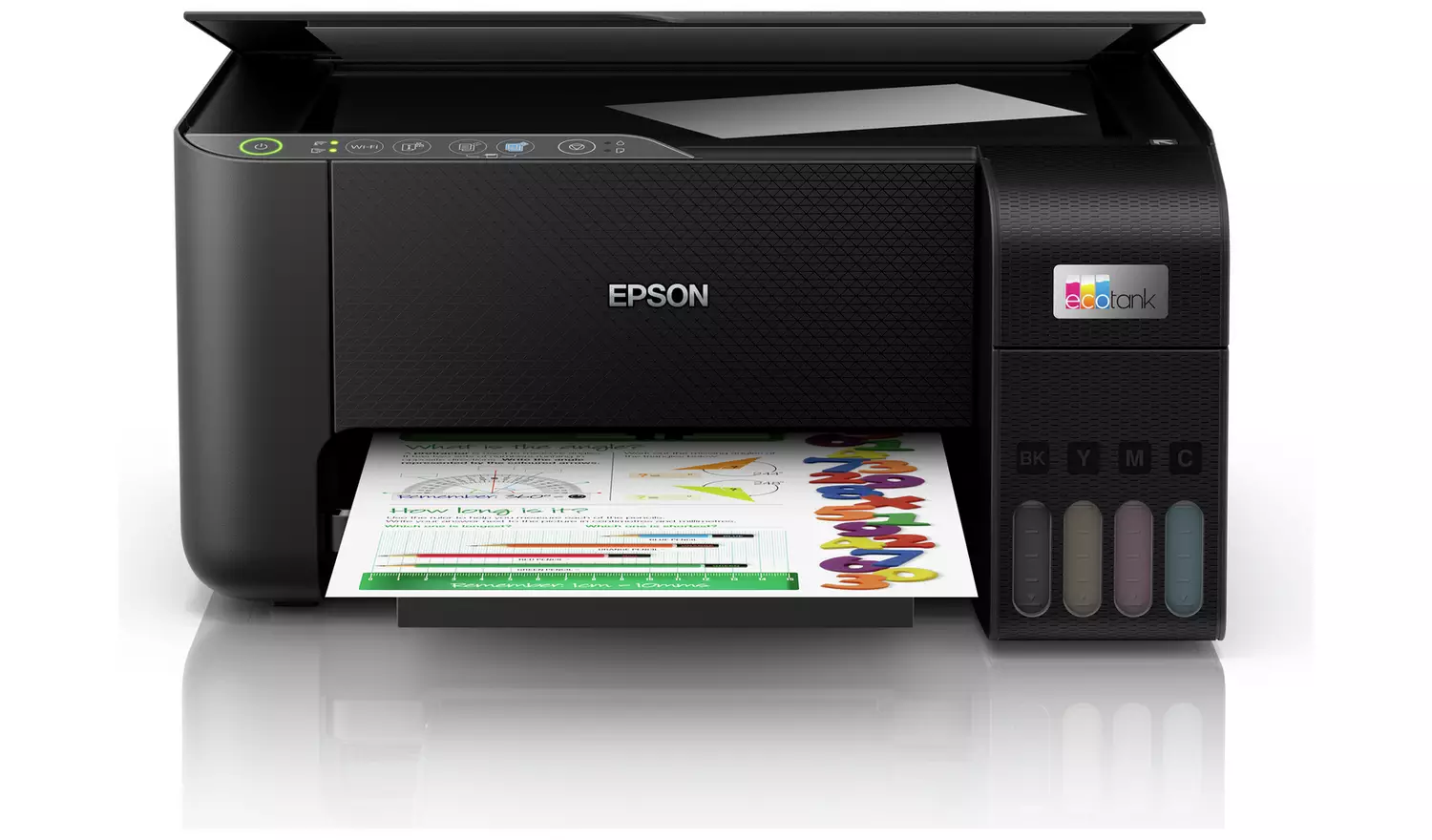
My previous printer, an Epson XP-8605 used separate ink cartridges, which I preferred as it means if you use a little too much cyan, you don’t need to replace the entire cartridge. I did think about a like for like replacement, however as I did some searching and the concept of the Epson EcoTank printer seemed intriguing. It used a different non-cartridge process for ink and the printer came with a three year supply of ink.
I looked at various EcoTank models, but in the end I found one not only reduced but also a £40 cash back offer from Epson. I got the Epson EcoTank ET-2860.
When I set up the printer, I was a little nervous about adding the ink from the (quite large) ink bottles, but it was all fine. I wish though I had selected a printer with a paper cassette rather than using the rear paper feed.
It was a simple matter of setting it up for printing from the Mac. The scanner function worked fine as well, as did the copying.
I was pleased with the printer and would recommend it.
I wrote about an issue I was having with One Click SSL version 1.5, it had been updated to version 1.5 on the 26th August and my sites had automatically updated the plugin. I couldn’t log into my sites and even when I could (via the IONOS login) I couldn’t upload images or post blog posts.
The solution was to deactivate the plugin, this did not deactivate SSL, but it took a while to work out what was happening.
It looks like I wasn’t the only one having issues, as the very next day, version 1.6 was out and this resolved the issue I (and others) were having.
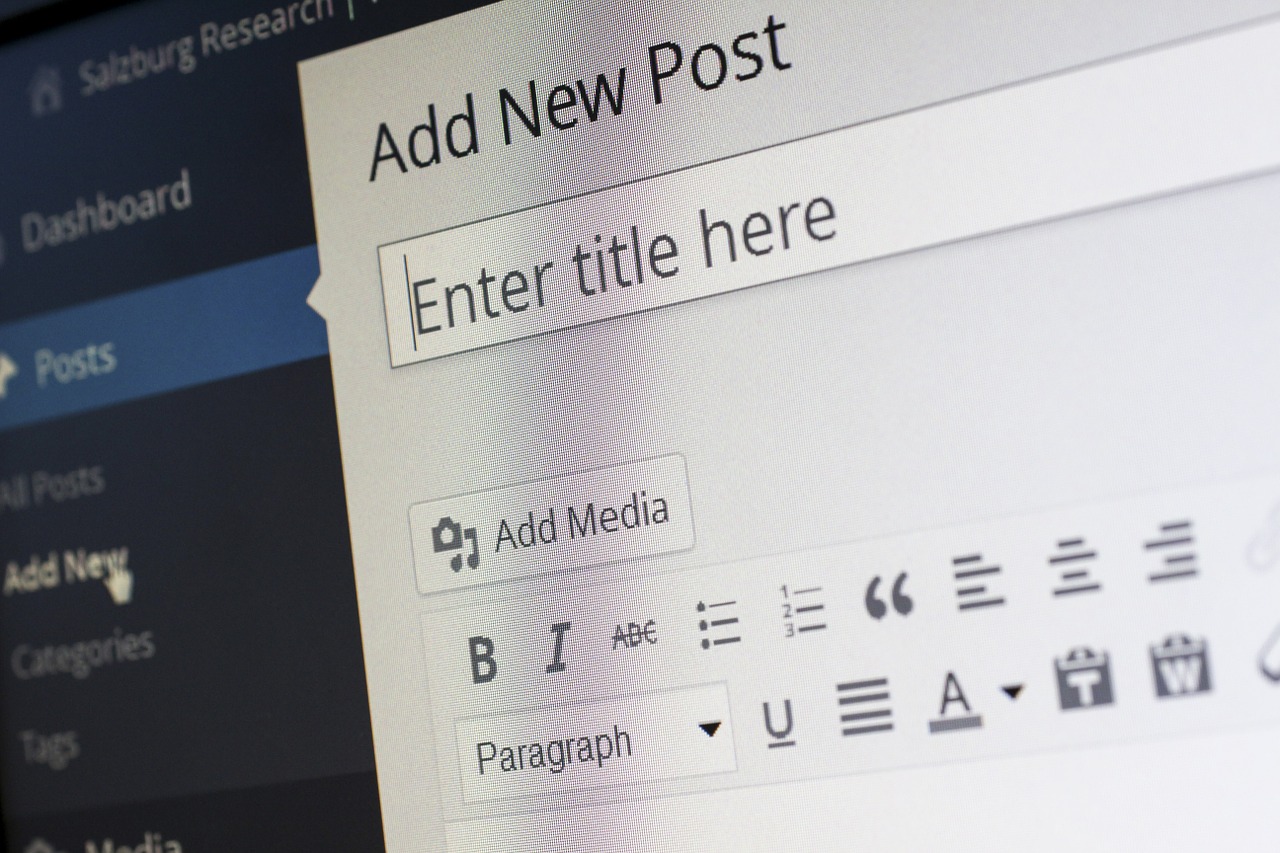
I was posting a review post to my food blog, when it both failed to post and I couldn’t upload the photograph I was going to use in the post. I thought this was strange.
When I uploaded the photograph I got an error message. When I tried to post the blog post without the image I was redirected to the One Click SSL plugin page and the post wasn’t posted.
I did wonder if I had an SSL issue. My annual subscription goes through this month, but that was all fine, it had gone through three weeks ago.
As is demanded and expected these days, my various WordPress blogs are protected by SSL. I have a SSL subscription with my hosting company, and use the One Click SSL to enable the SSL on the blogs.
I tried to use one of my other blogs, and found I couldn’t log in using the WordPress credentials, as this is a IONOS supported WordPress site, I was able to log in using my IONIS credentials.
I had the same issue as I did with my food blog.
So, it was looking like all my blogs were impacted by this issue.
I did try and update the One Click SSL configuration, but that didn’t work. I deactivated and reactivated the plugin and that didn’t work.
I still had SSL, just that posting and uploading wasn’t working.
I wondered if it was a hosting issue, but why was the error then redirecting me to the One Click SSL configuration page on the WordPress dashboard.
I checked the plugin page, and saw that it had been updated to version 1.5 on the 26th August (yesterday) and my site had automatically updated the plugin.
I realised I probably would need to sort this out. I did wonder if I could downgrade the plugin version, but couldn’t find a simple way to do that.
In the end I deactivated the plugin.
I checked the site, it was working fine, and I still had SSL. The plugin One Click SSL configures the SSL for the site, but isn’t necessarily needed for SSL, as that is a hosting thing, not a WordPress thing.
I then checked, I could now post to the site. I left it for a while to confirm that deactivating the plugin did not deactivate SSL. I still had SSL and my site was working. I did the same fix for all my other blogs and I was finally able to post that food blog post.
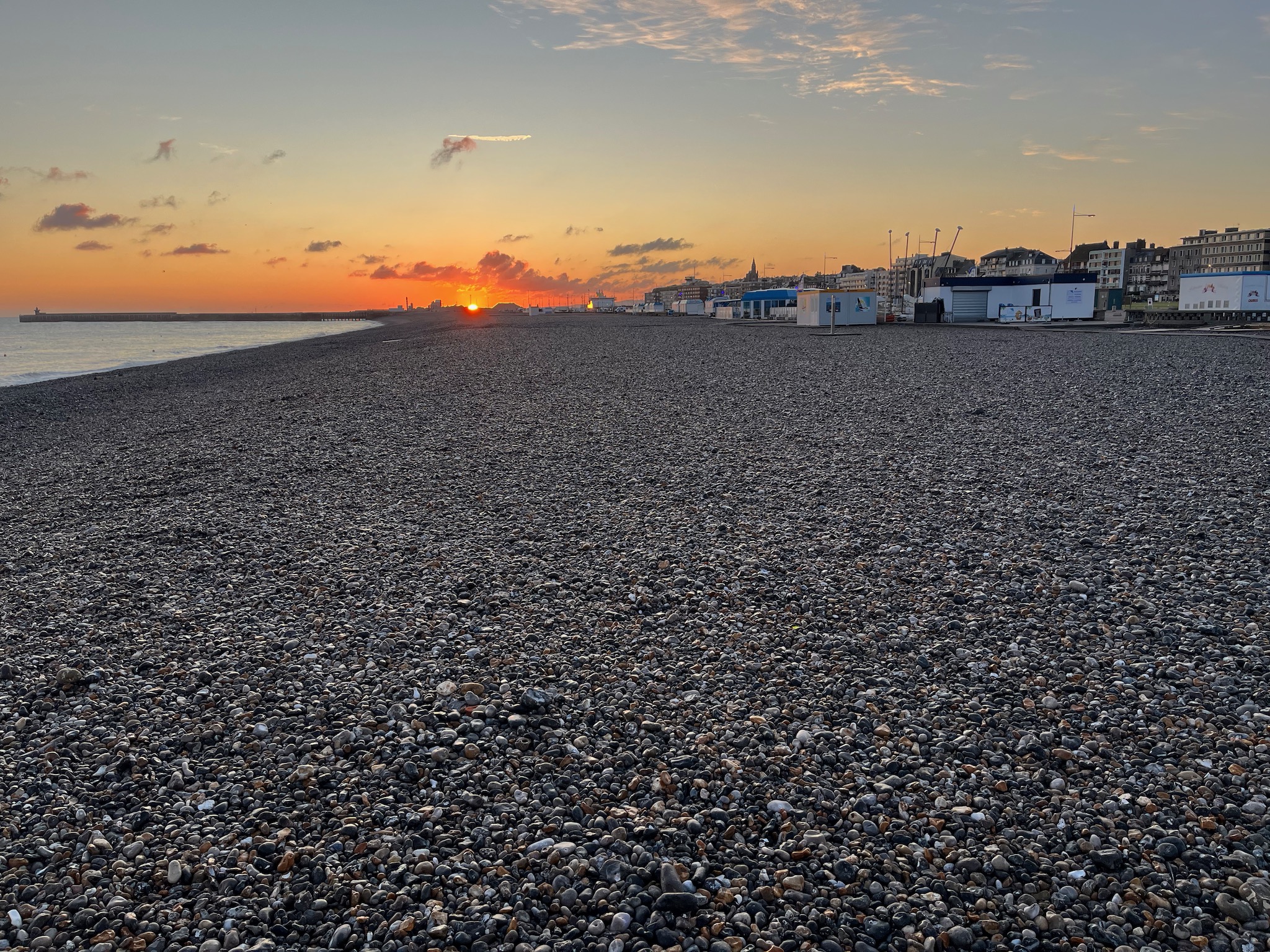
Having arrived in Dieppe on a travelling holiday I started Waze and was a little annoyed that it was quite laggy. My position on the map didn’t reflect the reality of where I was.
It was challenging enough to drive in France anyhow, but without a working navigation tool, it was a little more difficult.
However the next time I started Waze it worked fine.
It is illegal to use a speed camera detection system in France, but this was easy to turn off in Waze.
Routing avoiding toll roads was also relatively easy.It was a much nicer and more interesting journey. Yes it takes longer, but I found the driving experience so much better and more interesting than when we came back through Belgium on their motorways (no tolls).
In 2023 I published 69 blog posts, much more than the 18 I wrote in 2019.. In 2022 I wrote 30 posts. In 2021 I published 32 posts on the blog, and in 2020 when I wrote 43 blog posts..
Having had a smart metre installed, I started to notice that we seemed to be using a fair amount of gas and electricity overnight! This made no sense, as we didn’t have the heating on, no hot water was running and the only electrical device running was the fridge!
Having some photographs when I visited The Harry Potter Studio Tour I decided to share some of the more suitable photos as backgrounds for Zoom and Teams and this was the ninth most popular post on the blog rising one place from last year was: Harry Potter Teams and Zoom Backgrounds
At eight, dropping six places, this blog post was from December 2020, Ten Great Christmas Zoom and Teams Backgrounds. Using the excellent image sites, UNsplash and Pixabay, I put together ten festive images that could be used as backgrounds for Zoom and Teams meetings.
Dropping four places to number seven was Using iPad as separate whiteboard in Teams. This was a post in response to a tweet on the Twitter. This inspired me to give it a go and see if I could get it to work and as a result documented the process.
Dropping one place to sixth place was a post from May 2020, on how the amazing BBC Archive had posted a series of images of empty BBC Television sets across the years to be used as BBC Zoom and Teams Backgrounds. I used these quite frequently in my Zoom meetings.
Well we had winter and now we have summer. Going up two places, the second most popular blog post on the blog was from April 2021 and was a series of images (virtual backgrounds) I wanted to use for online meetings over the summer: Ten Amazing Summer Zoom and Teams Backgrounds
In July 2021, there I was opening a PowerPoint file from my OneDrive folder when I got this error message: Sorry, PowerPoint can’t read ^0. I couldn’t open any of my files on OneDrive. Having looked around for a solution and to be honest it wasn’t too much help. I did try and reset OneDrive but this didn’t work. I was convinced that this was a permissions issue rather than file corruption or data loss. The file sizes looked fine for example. In the end though I did come up with a solution which I wrote up as a blog post to help others: Solving the Sorry PowerPoint can’t read ^0 error and this was the most popular blog post this year, for the second year running. Obviously still an issue for many.
I wrote more this year, as I started blogging about my experiences with my new electric vehicle, the Funky Cat, though none of those posts made the top ten..
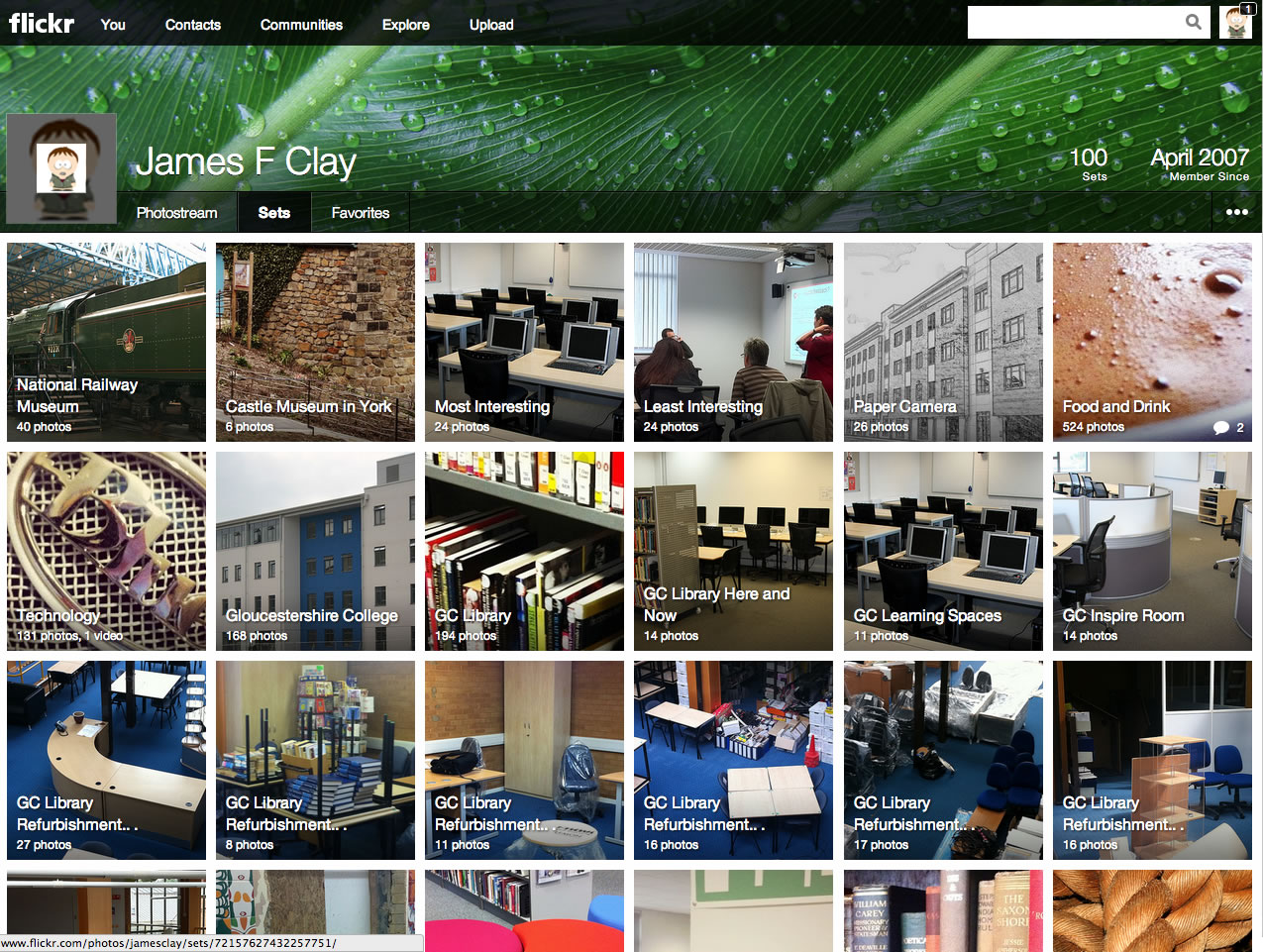
Flickr is one of the first social networks I joined way back in 2007, which to me feels like just a few years ago and not 16 years ago!
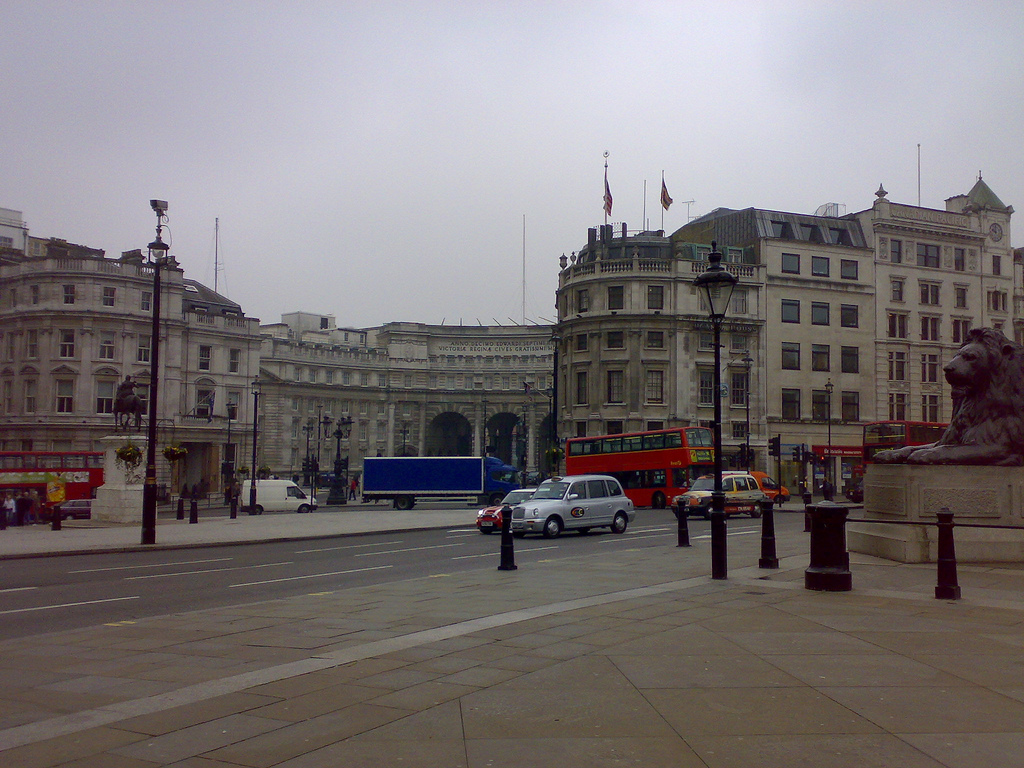
The first photograph I uploaded was of Admiralty Arch having just emerged from the Strand Tube station. The photo was taken on March 30th 2007 with a Nokia N73 mobile phone.
In March 2019 when they decided to move to a (more expensive) charging model.
However I think the time has come to cull my Flickr account. I don’t think it’s worth $50 per year. The value is there, but I am not sure if that value is $50. I am a little disappointed that existing Pro subscribers are not only not grandfathered in, on their old pro rate, but that they don’t even get the introductory discount of 40% that new subscribers get.
You could still have a free account, but there was a limit of a 1000 photographs. At the time I had 14,454 photographs on Flickr.
As all the photographs I had on the service were CC licensed this meant, despite the 1000 photograph limit for free accounts the photos were retained, even though I didn’t take out a professional subscription.
There were lots of reasons why I didn’t take out a professional subscription, one of the main ones was that they (at the time) only had annual plans available.
I never deleted my account though.
Flickr was never a place which I used as a backup to my photographs, it was to me a social network. I now use Amazon Prime and more recently iCloud to store my photographs online.
In addition Instagram was becoming the “better” social network for photographs. Well people were engaging with Instagram (and it was free).
So why am I now thinking about going back to the Flickr?
It was at the ALT conference this year that I started thinking about going back. It was the 30th anniversary of conference and I was sharing on the Discord channel the different ALT-C albums I had created over the years.
However after I published the link to the ALT-C 2018 conference, I realised I didn’t have albums for 2019 or 2022. There wasn’t in-person conferences in 2020 and 2021.
I did have photographs from those conferences, but they were not in an shareable state. It was then I started thinking about going back to Flickr. It would be easier now as they now have a monthly plan as well.
I have been using IFTTT (If This Then That) for quite a few years now. Though over the last few years my usage has got quite minimal. During some research activities using tweetchats and hashtags I did use it quite a bit for work.
Now in the main I use a recipe to post native photographs from Instagram to the Twitter.
So it was with minimal disappointment to read in my inbox this from IFTTT.
Starting on May 23, all free users will be limited to 2 Applets and unable to access Twitter Applets. We hope you understand this change is designed to help us support our community and continue to focus on improving IFTTT. To ensure that your existing Applets continue without interruption, consider upgrading to Pro or manage your Applets via My Applets.
Now the subscription is not excessive, at £2.50 per month, cheaper if you pay annually. However I really don’t think I will get £30 of value from IFTTT over a year. I can configure Instagram to post to Twitter automatically, or I could even just post manually.
I still also get two free applets if I need to use IFTTT.