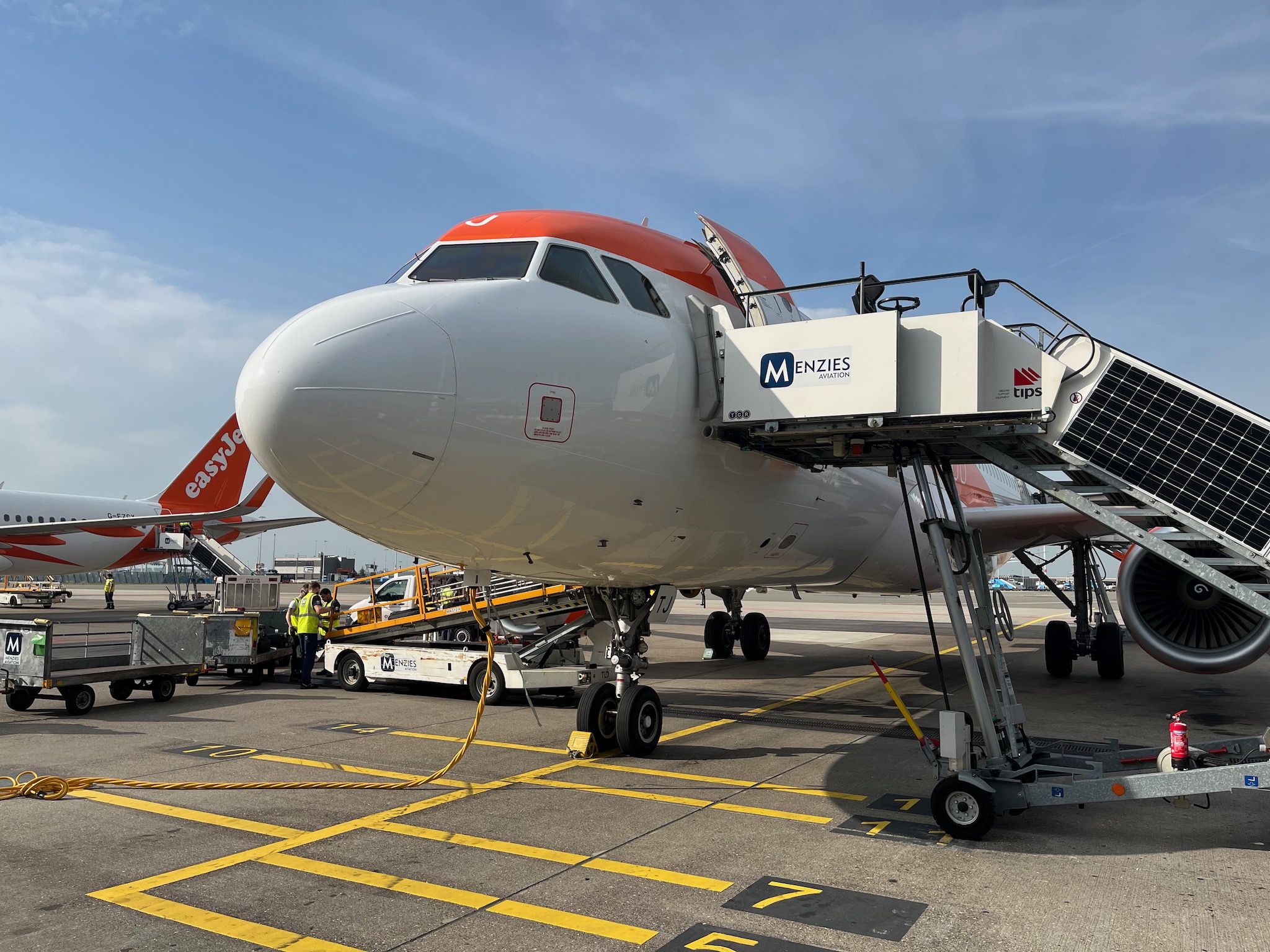
I had left my car for a few days at the airport after travelling to Amsterdam.
Got in the car and set it to demist. When this happened in my old petrol car, I would usually wait a bit and drive off, so the engine would heat up quicker. Obviously with an electric car, this doesn’t happen, so I just had to wait.
I then got an error message that the the tyre pressure in one of the tyres was low and needed to be checked. As I was at the airport, and it was only slightly off, so decided to drive home and then sort it out the following morning. There was nowhere at the airport to check air pressure anyhow.
However as I travelled home, I got further warnings. First it was one tyre and by the time I got home it was three out of four.
Next day checked pressure on all four tyres and got them back up to pressure.
The sudden drop in ambient temperature is probably to blame. Always worthwhile though going to service station and checking air pressure.
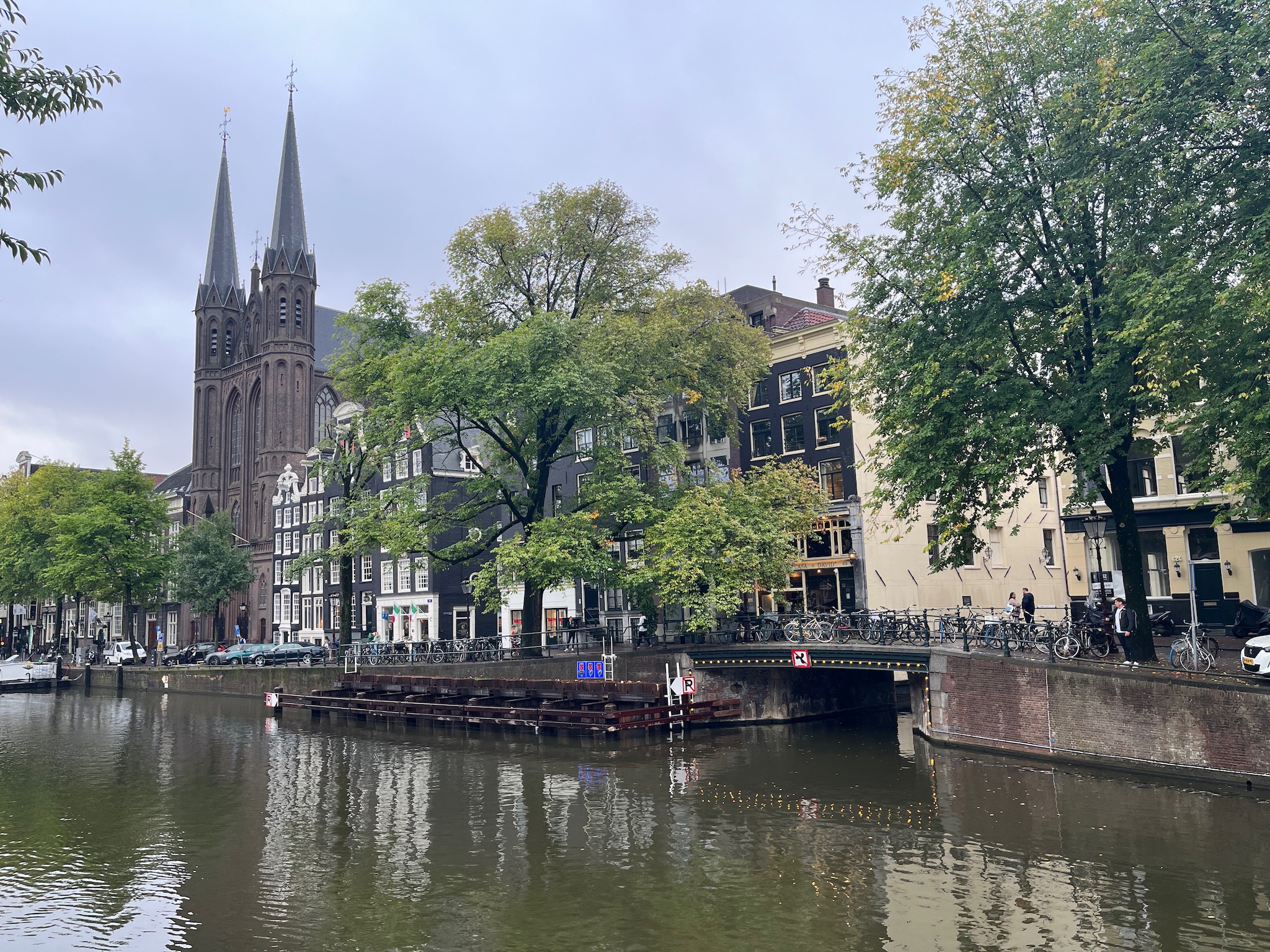
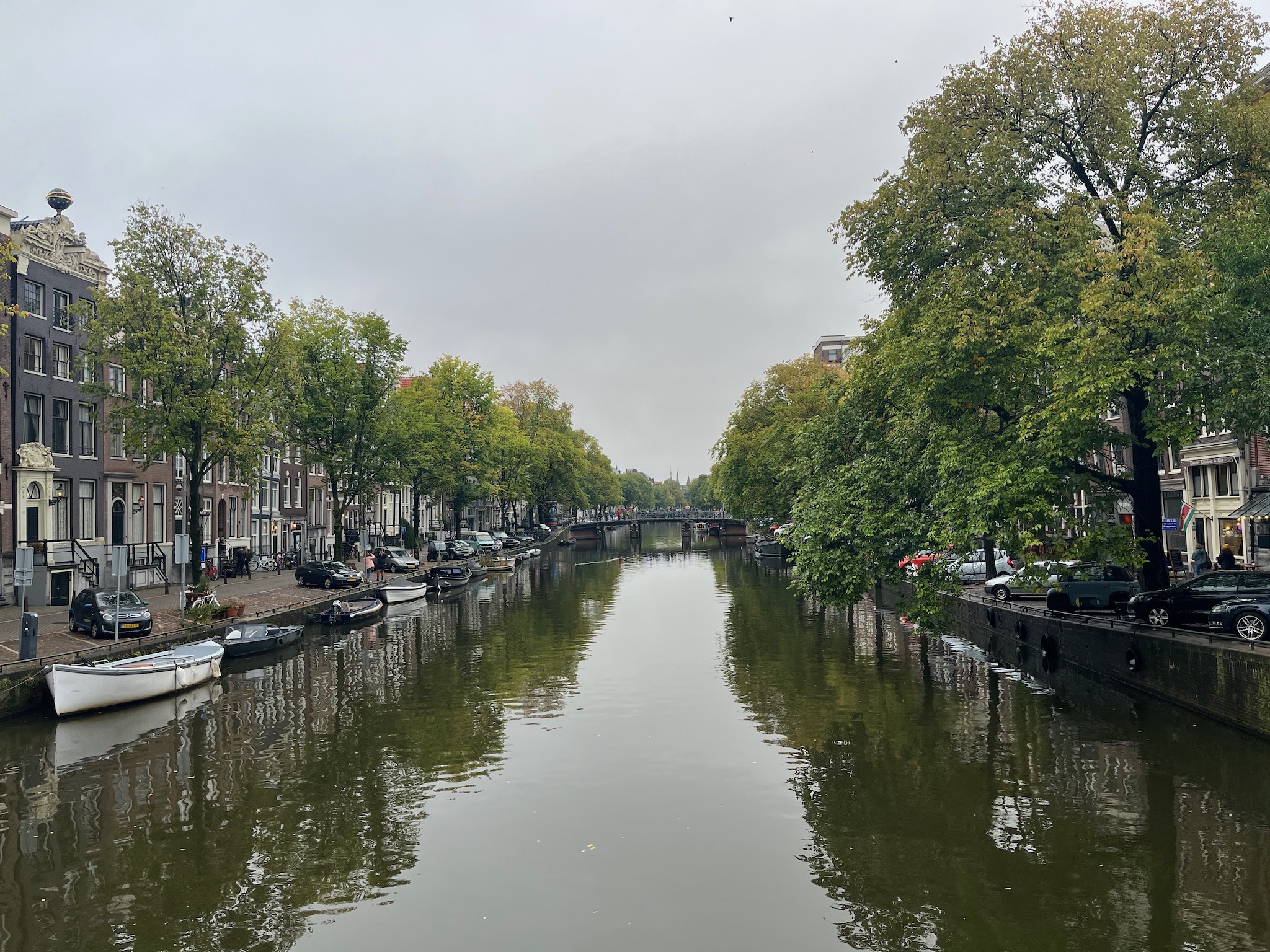
I was off to Amsterdam for a few days for a conference at the RAI conference centre.
Following some issues with roaming in Spain in 2022 I have been a little concerned about travelling abroad and if I would have connectivity issues. After Spain though, I had travelled to Ireland and Germany and both times everything just worked. However the last time I went abroad, in the summer to Portugal, I had a few issues when roaming with excessive data usage on my iPhone.
I have a Three contract with unlimited calls, unlimited texts, and unlimited data. As this is a pre-October 2021 contract I am able to use all those allowances when roaming, but there is a 12GB fair use limit. On all my previous visits abroad, before Portugal, I have never come close to reaching that limit.
In Portugal I reached 80% of my 12GB limit within the first twenty four hours. Back then, I turned off mobile data and then I went into Settings -> Mobile Data and turned off all the apps which could use mobile data. There were a lot of apps.
So when I flew to Amsterdam last week, whilst I was on the plane went into Settings -> Mobile Data and turned off virtually all the apps which could use mobile data. Took me a while as there were a fair few. I turned off mobile data for virtually all my apps and also specifically iCloud Drive and iCloud Backup. I am pretty sure they were the culprits for my excessive data usage whilst in Spain.
I then reset the mobile data usage statistics. So when I came back to the UK I could check how much data I had used.
Schiphol Airport had free WiFi, so I could use that in the airport whilst I had a ninety minute wait to get through passport control.
Now I was lucky that the hotel and conference venue had good WiFi, and even Schiphol Airport’s WiFi was good. So there was less reliance on using my mobile data.
When I was walking around Amsterdam away from the hotel and the conference venue, I did turn on mobile data for specific apps that I wanted to use, finance and travel apps for example.
After arriving back in the UK I checked the mobile data usage statistics I had used whilst roaming in the Netherlands from Tuesday to Friday.
It was 1.4GB and 1.4GB is a lot less than the 12GB fair use allowance I have.So was pleased with that. I never felt I was limited in how I used mobile data abroad, as when I did need to use an app, I just turned on mobile data for it. I was lucky in having decent WiFi, so that did make a difference.
This morning I saw another Funky in thewild. This is the first time I have seen another Funky Cat outside the dealership. I know that the car is quite rare, so had been looking, but today I caught one on the streets.
I was a little surprised to see that it was in the same estate where I live. A green Funky with the white roof.
I have had my Funky since August, and have done over 2000 miles in the car,including trips to Warwick and York, as well as regular trips and commutes to Bristol.
I thought I would see my first wild Funky in Bristol, but the first wild Funky I spotted was just a fewhundred meters from where I live.
I was unable to photograph the Funky as I was driving, but it was there I tell you, it was there in the wild.
I hadn’t planned on using the EV (electric vehicle) chargers in the car park at Sand Bay. I had driven down to go for a stroll along the beach. However many others had the same idea and though the car park was full, the two EV car spaces were free. Well I was driving an EV, so I parked there. Paid for my parking through the MiPermit parking app.
This was a Revive charger. I had issues with the Revive chargers up at Cribbs Causeway. Mainly as they didn’t accept my debit card or my Shell Recharge card. As I had some time I decided to register with Revive and use the charger.
They don’t have an app, so you register for the chargers on a website.
This I managed to do, but had to immediately do a password reset, as my saved password didn’t work.
It was then a “simple” matter of plugging my Funky Cat charger into the charging point and the car.
You then use the website to start the charging process.
Well. Though the charger itself said it was charging, the right light was lit up, the website said it wasn’t. The Ora app, also said it wasn’t charging. I waited, but in the end I did want to go for a walk.
As I walked along the beach I checked the Ora app and saw that the charge had increased by 2%, so it was charging.
When I got back, I did find it quite challenging to initially stop the charge. The initial website status page had “vanished”.
There was no menu item for stopping a charge.
I found out that I needed to scroll down the page, past the menu, and then I could see my current charging session. I was then able to stop the charge, disconnect the cables and drive home.
Well at least now I have registered for the Revive network. I could get an RFID card for the service, but it costs £9, which seems expensive, compared the free apps and cards from other services. I think I will stick with the website instead.
Charged the Funky yesterday, I got a predicted 166 mile range after charging to 100%.
This is nowhere near the 193 miles that Ora advertises for the Funky Cat. The closest I have got was 185 miles.
Ora have also announced that next month they will be selling fifty models of a new version, the First Edition+ which is similar to models sold in other regions. This has a longer range.
Most notably, the First Edition+ variant will host GWM ORA’s 63kWh battery, offering 260 miles of WLTP electric range.
Too late for me.
Next year there will be new models too.
In addition, ‘First Edition+’ will provide a taster of what is to come when the full ORA Funky Cat range launches in 2024.
I first saw the Edie Brickell – Good Times video when it was included on the Windows 95 install CD as a way of showcasing the video capabilities of the new operating system.
At the time video on a computer was something that just didn’t happen and if it did was usually as a small window showing the video, the phrase postage stamp sized video was often close to the truth. I remember been impressed with the two video files included with Windows and that I could play them on my PC. I think it was these videos that, as they demonstrated that video could be on a computer, inspired me to buy the Matrox Rainbow Runner video card so my PC could record and playback full screen video. I used that a lot for capturing video so I could play it back during Powerpoint presentations back in the latter half of the 1990s. It always bothered me that my television and video recorder could do all this video stuff, but my (much more) expensive computer was just not capable of playing video let alone capturing video. At least the Rainbow Runner allowed me to do what I wanted with standard definition video, even if a standard Windows PC couldn’t at that time.
Today my iMac is capable of playing multiple 8K videos at the same time as well as capturing and recording similar quality video. I can even stream 8K quality video from the internet. How times have changed, for the better I think. I am always impressed with how we can manipulate, edit and encode video these days.
As for the feel good song, even after all this time I still like to play it now and again, I think like any good song it stands the test of time in terms of its listenability.
After seeing that the chargers at the Shell Garage had gone live, and needing a charge, I decided to take advantage and try them out.
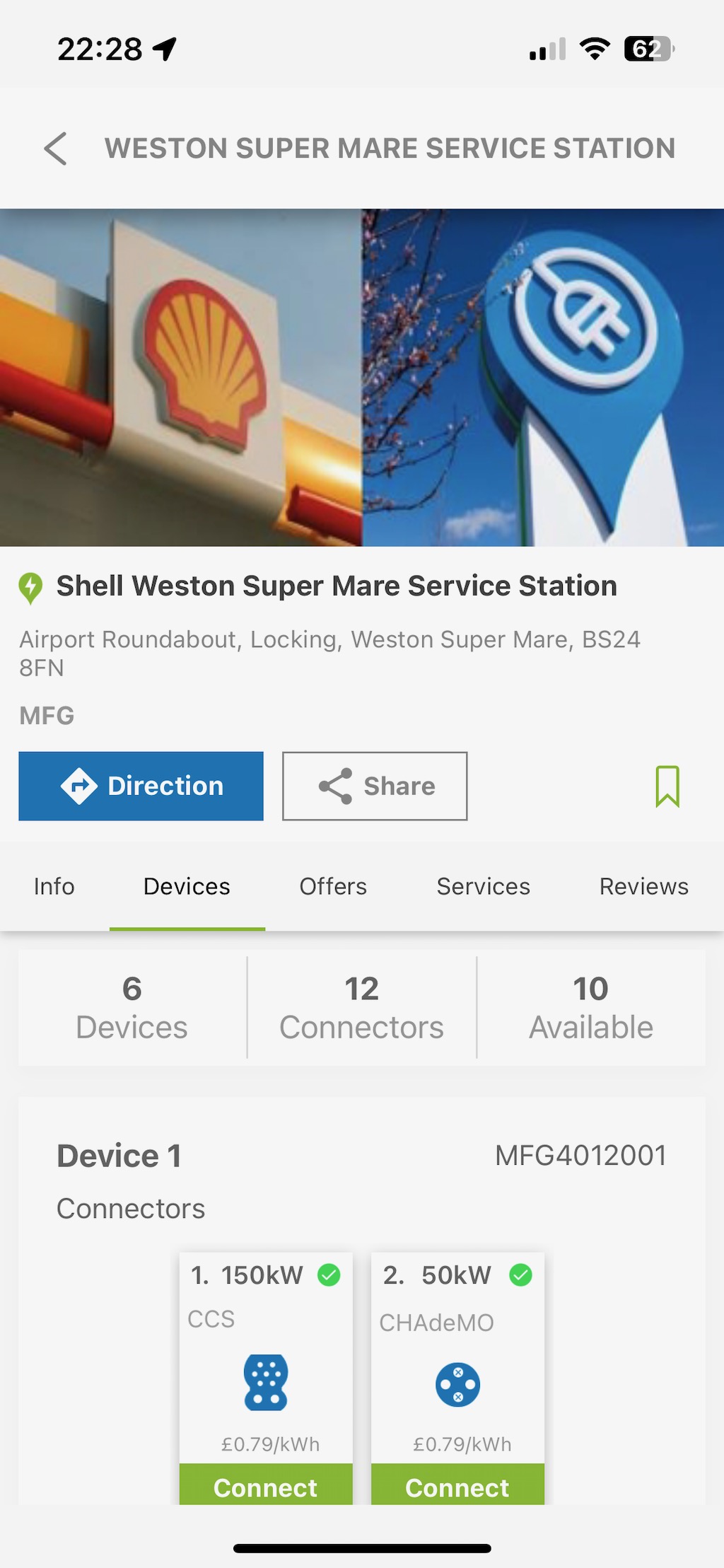
They have a series of six 150KW chargers, each with CSS and CHAdeMO chargers. I connected the Funky to the charger. I plugged the cable in, which as with a lot of CSS chargers was quite heavy. It was then a simple matter of tapping with contactless and setting the charge going.
It was nice not to worry about if the chargers are in use, with six I was pretty sure one would be free. This is unlike the Osprey chargers at the nearby Travelodge which I have found to be used quite heavily, and I have on the odd occasion when using them, find them in use, forcing me to come back later. At least with these MFG chargers, there being six, means more chance one will be free.
Whilst I was charging I went for a coffee at the Starbucks next door.
Within fifteen minutes I had already gone from a 18% charge to 42%.
I wasn’t going to do a full 100% charge, the aim was to get between 60% and 80%.
When I was considering an electric vehicle I was concerned about where I could charge the car. Close to where I live is a Shell Garage and they had a series of six 150KW chargers. This I thought would be ideal for rapid charging the car when needed.
You can imagine when I got my car back in August and checked the garage out I was somewhat disappointed that the chargers had not been connected to the grid and weren’t operational.
When I checked with the staff, they said it had been planned for the end of July… they didn’t have a date for when it would be done.
This was annoying and frustrating. There are a couple of Osprey chargers at a nearby hotel and I have used them. One time though it was challenging as others were using them, luckily I was not in a hurry.
So it was a nice surprise when I was at the garage today, to wash Funky, when I saw that the MFG chargers were operational now and that other electric vehicle owners were charging their cars.
The MFG app, which I have downloaded, also confirms that they are connected and working.
They’ve not been added to the Zap-Map yet, nor on Google Maps.
I was in the office three times this week, and I was able to park and charge my car three times to 100%.
What I did find interesting was the different predicted ranges I got after each charge.
After the first charge the predicted range was a healthy 185 miles
The second time I charged the range had dropped to 162 miles.
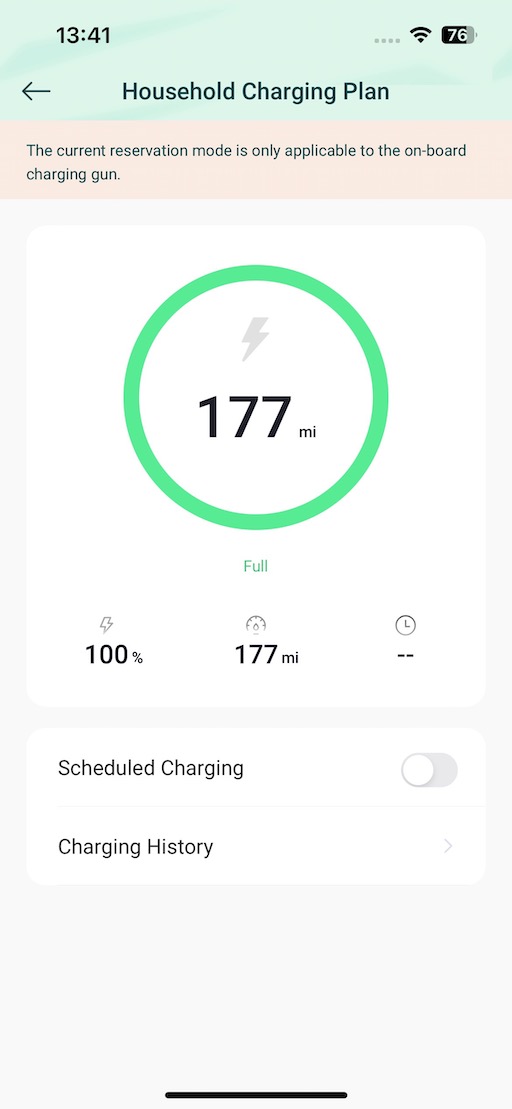
Third charge resulted in a range of 177 miles.
I am not entirely sure why the variety. The journeys before charging were very similar, some urban, some motorway, some normal roads.
I find it interesting, as in itself, it creates future challenges when planning journeys with charging breaks. Would 160 miles from a full charge be pushing it too far for example?
I will continue to monitor the ranges as I charge.
Understanding the problem is part about knowing what the problem is, but often much more about understanding how the problem arose, the context, and the background.
There’s no such thing as an easy fix. Things which can be fixed easily aren’t generally seen as problems that need fixing, they are seen as tasks that need completing.
I will try and illustrate that with the simple problem of having a cup of tea.
I want a cup of tea, but there’s no water in the kettle. A simple problem resolved by filling the kettle with water and putting it onto boil, making the tea, and there you go.
This was an easy fix.
Now imagine you want a cup of tea, but there isn’t any clean water supply. First you need to provide fresh water. Without a water supply you could install a supply, but a temporary solution might be to go out and buy some bottled water. Cheaper in the short run, it will be more expensive in the longer term.
Then there is the challenge of boiling the water for the tea. What do you do if there is no kettle. Go and buy a kettle.
An electric kettle is great if there is an electricity supply, but what kettle do you get if the fuel source you have is gas or an open fire.
Finally you need to choose a cup. You would not be surprised how often this takes time as some people have a favourite cup others take their time to choose a cup. Reality is that this is probably the least important part of the process.
If you have a water supply, electricity, a kettle, and a supply of cups; it can be frustrating to see and difficult to understand why others can’t easily make a cup of tea.
You could argue that there is an easier fix of going somewhere and buying me a cup of tea. That is a quick fix, but is it sustainable in the long run?
This analogy shows the importance of dependencies and the context when you try and solve a problem. You also need to understand the skills and knowledge of those facing the problem.
Those with the foundations, the resources, the skills and capabilities, will be easily able to deliver a solution to what they see as a simple problem. However they may have not realised their journey in getting to that point when they are able to easily make tea. Just telling people to make tea, or showing them how to make tea, often isn’t sufficient, if they lack the foundations and infrastructure to actually make a cup of tea.