Eduroam at the Airport

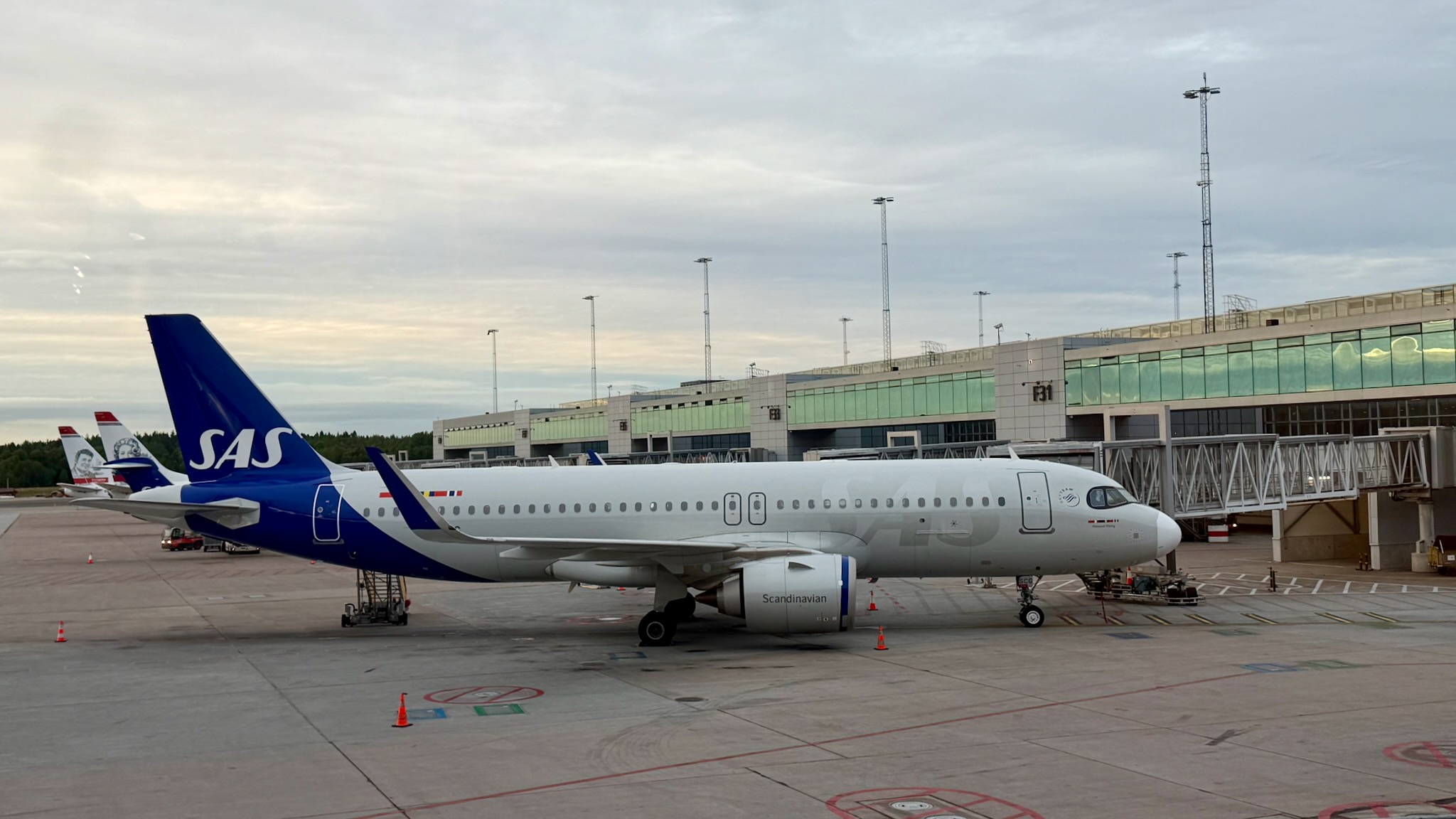
I had read about how at Swedish airports you could connect to eduroam. I have never been to Sweden before so could never test that out. However, I recently flew from London Heathrow to Luleå in northern Sweden, with a transfer at Stockholm.

At both Stockholm Airport and Luleå Airport I was able to easily connect to eduroam and the speeds were impressive. On the test I did, I was able to get 300Mb/s down and 260Mb/s up speeds.

Of course adding eduroam to places like airports is not a technical problem, but a political one. It probably helped that Swedavia is the state-owned company that owns and operates Sweden’s major airports.

WiFi in the Air

Now I know WiFi on planes isn’t new. However any plane that I flew on over the last few years which had WiFi would charge for WiFi usage, as I rarely had any urgent use case for using WiFi up in the air, I would just read my book. More likely was the carrier I was flying with, just didn’t have WiFi.

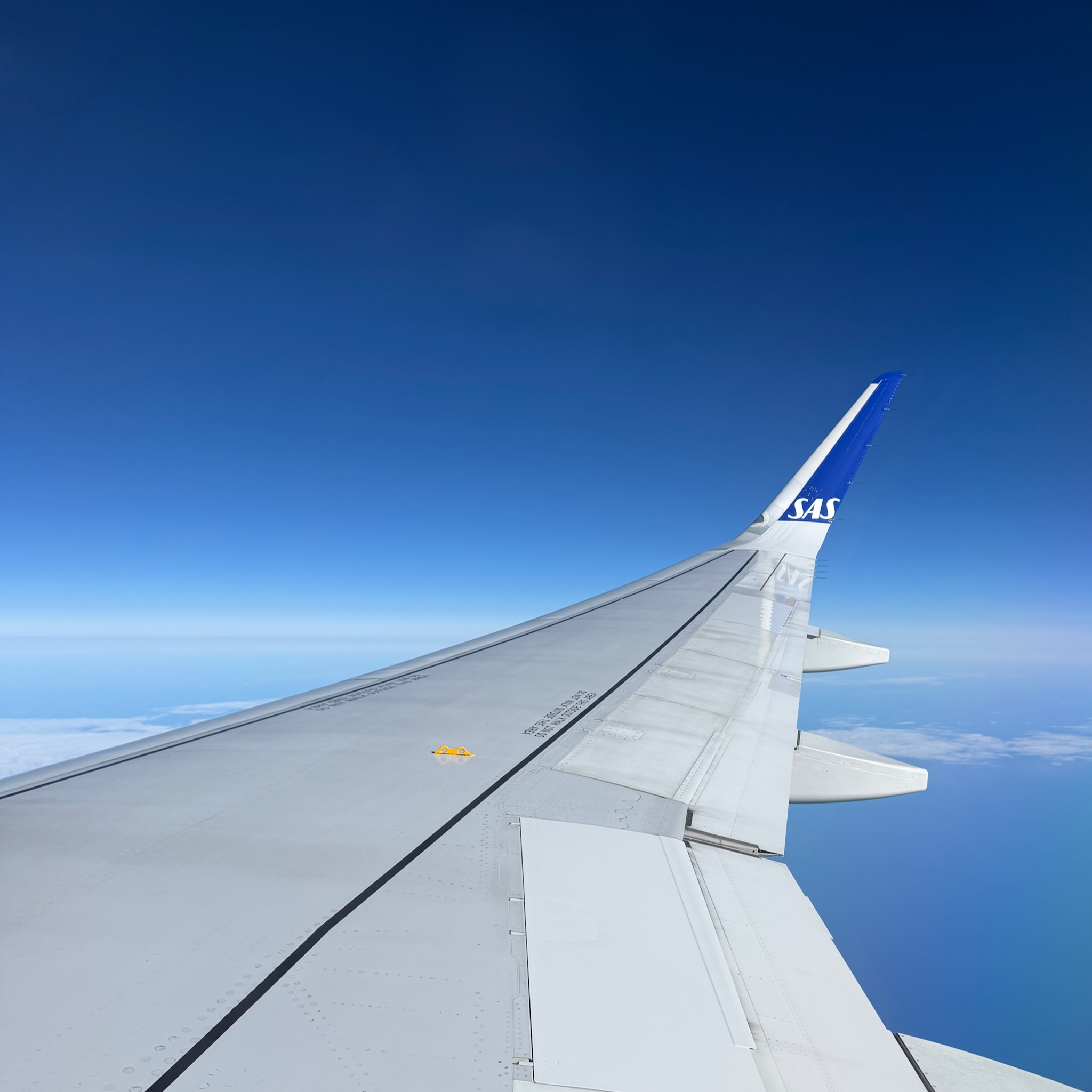
So, it was nice on a recent SAS flight to Luleå in Sweden (with a transfer at Stockholm) to have access free high speed wireless internet at 30,000 feet.

You’re flying on one of the first SAS aircraft equipped with our new high-speed WiFi. Enjoy free WiFi, exclusively available for EuroBonus members and 3-customers.

What’s the difference?

Unlike traditional systems, the high-speed WiFi is powered by Starlink – the world’s most advanced satellite constellation using a low Earth orbit to deliver reliable streaming, gaming, and browsing so you can stay connected on board like never before. With thousands of satellites in orbit, Starlink delivers a stable connection throughout your flight, even over oceans and in remote northern regions.

I actually thought I would get free WiFi as I was a Three customer, no that was just for Three customers in Sweden (and I think Denmark). However you can sign up to SAS EuroBonus for free and that gives you access to the free WiFi.

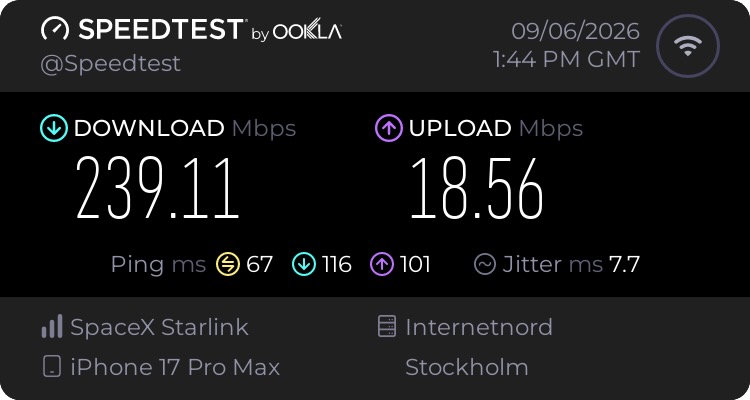
The speeds were excellent, I did a speed test and I was getting 200 Mb/s down and 18 Mb/s up.

More than adequate for email, messaging, syncing documents, and then some.

Prioritising WiFi Networks on OS X Monterey

I was staying in a hotel in London and using my Mac. There was hotel wifi which worked fine. However the Mac would (after waking from sleep) connect to a neighbouring EE WiFi network which was very weak and required logging into. So each time I would need to connect to the hotel wireless network.

I did a quick Google search and realised I could prioritise wireless networks, ensuring that the Mac would connect to the hotel network first, by reordering my networks, and ensuring that the hotel network was above the EE network.

The process is System Preferences -> Network -> Wi-Fi -> Advanced…

You can then Drag networks into the order you prefer.

This now means that my Mac will connect to the right hotel network.

Now this feature was removed in Ventura and Sonoma. If you are using the newer OS then you will need to turn off Auto-Join. You could also remove the problem network. 

Now we have an EE WiFi Hotspot

Fibre
Image by Joshua Kimsey from Pixabay

The UK telecommunications giant, BT acquired EE for £12.5bn in 2016. Last year BT said the BT brand will take a back seat as it will make EE its flagship brand in the consumer market.

A change in the way we take our brands to market. We have to be more focused and more efficient. We are evolving from today’s approach in the consumer market where BT and EE both take centre stage, to one where a flagship brand will lead our approach to future innovation, convergence, and services beyond connectivity.

When I was in London last week I noted that a BT WiFi hotspot I had used before was now an EE WiFi hotspot. I could still log in using my BT Broadband credentials.

When I got home I noticed that BT have reconfigured our router so that it is now broadcasting the EE WiFi SSID.

Not sure what difference this makes.

Roaming in Amsterdam

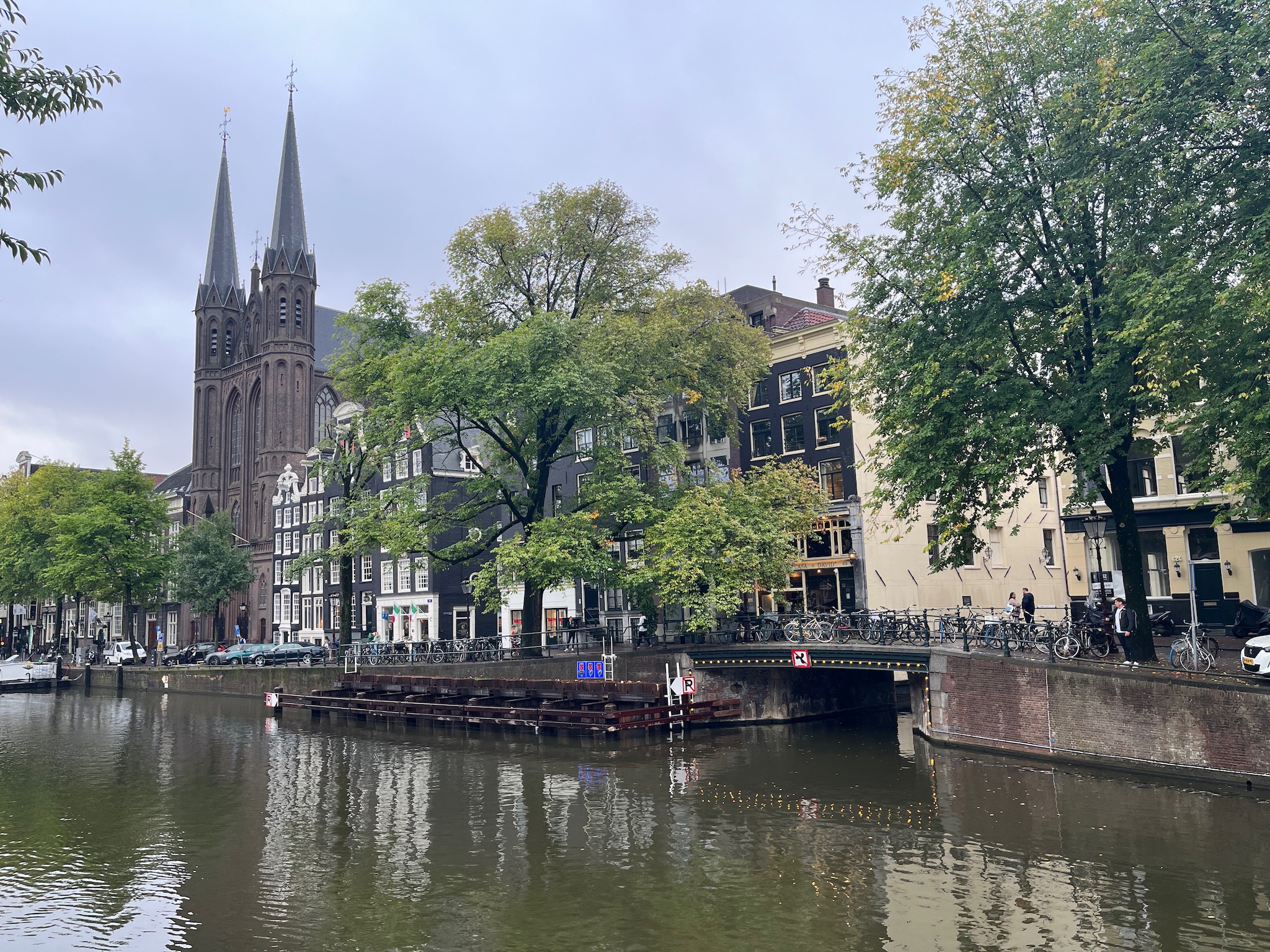
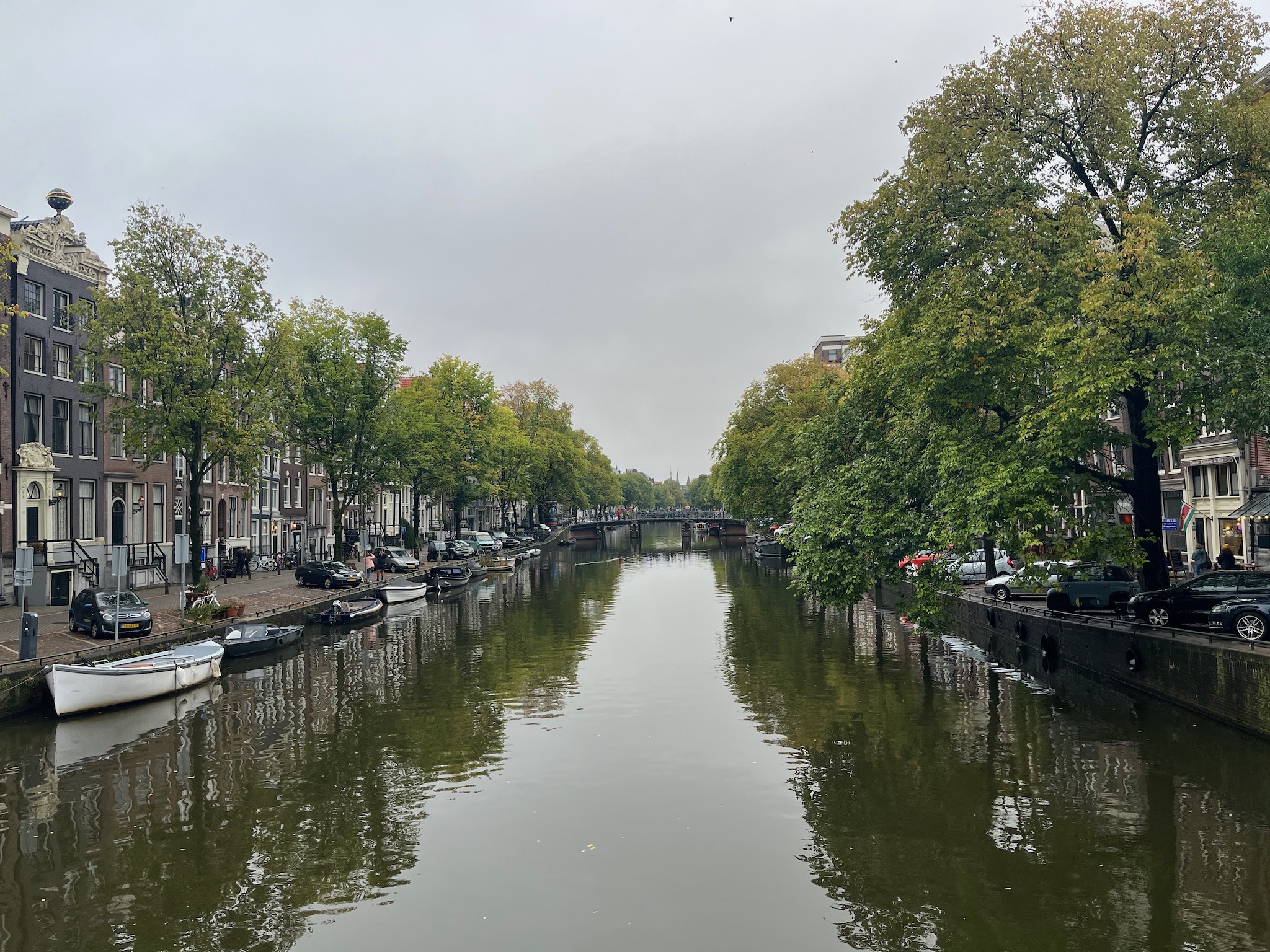
I was off to Amsterdam for a few days for a conference at the RAI conference centre.

Following some issues with roaming in Spain in 2022 I have been a little concerned about travelling abroad and if I would have connectivity issues. After Spain though, I had travelled to Ireland and Germany and both times everything just worked. However the last time I went abroad, in the summer to Portugal, I had a few issues when roaming with excessive data usage on my iPhone.

I have a Three contract with unlimited calls, unlimited texts, and unlimited data. As this is a pre-October 2021 contract I am able to use all those allowances when roaming, but there is a 12GB fair use limit. On all my previous visits abroad, before Portugal, I have never come close to reaching that limit.

In Portugal I reached 80% of my 12GB limit within the first twenty four hours. Back then, I turned off mobile data and then I went into Settings -> Mobile Data and turned off all the apps which could use mobile data. There were a lot of apps.

So when I flew to Amsterdam last week, whilst I was on the plane went into Settings -> Mobile Data and turned off virtually all the apps which could use mobile data. Took me a while as there were a fair few. I turned off mobile data for virtually all my apps and also specifically iCloud Drive and iCloud Backup. I am pretty sure they were the culprits for my excessive data usage whilst in Spain.

I then reset the mobile data usage statistics. So when I came back to the UK I could check how much data I had used.

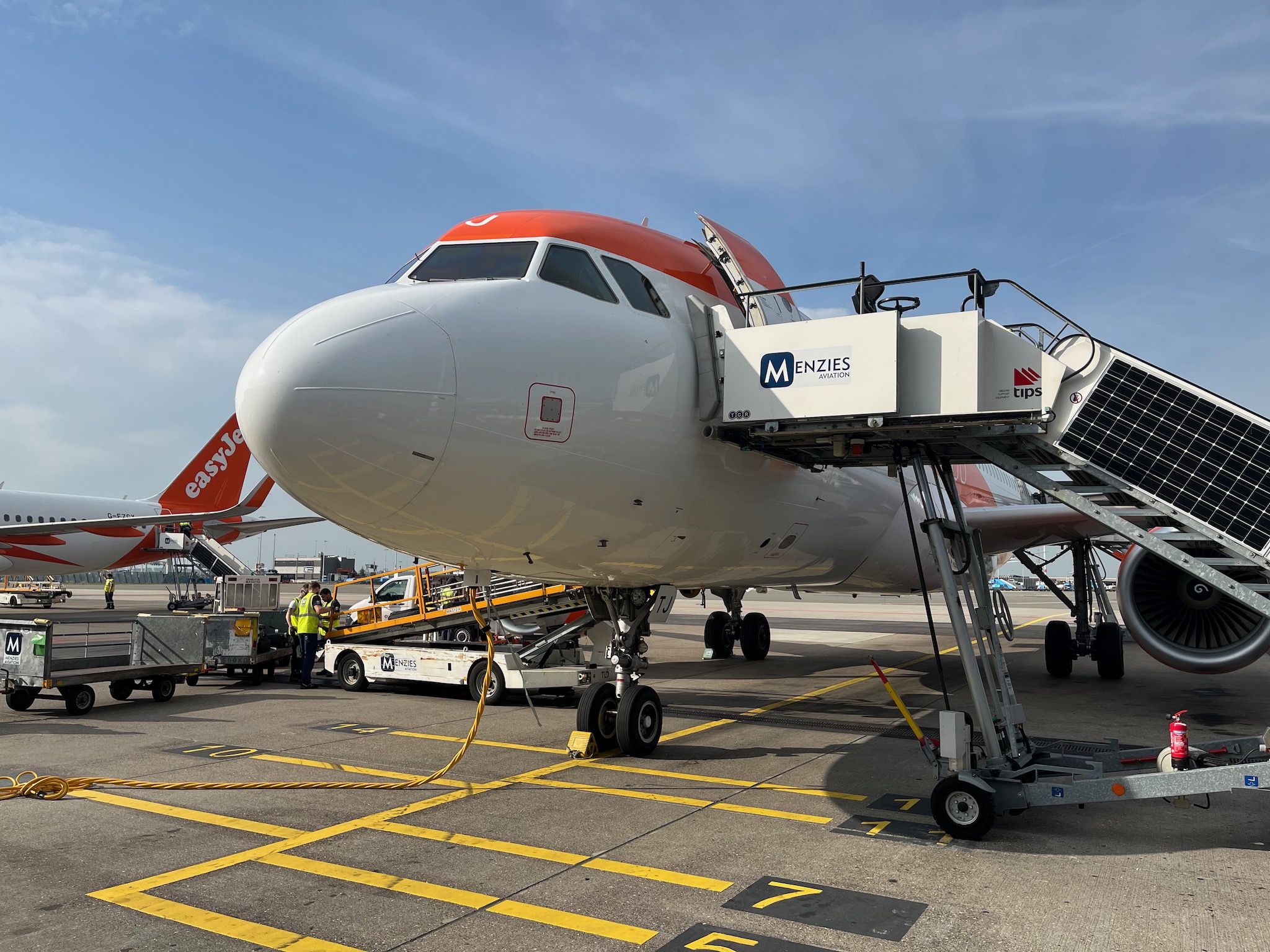
Schiphol Airport had free WiFi, so I could use that in the airport whilst I had a ninety minute wait to get through passport control.

Now I was lucky that the hotel and conference venue had good WiFi, and even Schiphol Airport’s WiFi was good. So there was less reliance on using my mobile data. 

When I was walking around Amsterdam away from the hotel and the conference venue, I did turn on mobile data for specific apps that I wanted to use, finance and travel apps for example.

After arriving back in the UK I checked the mobile data usage statistics I had used whilst roaming in the Netherlands from Tuesday to Friday.

It was 1.4GB and 1.4GB is a lot less than the 12GB fair use allowance I have.  So was pleased with that. I never felt I was limited in how I used mobile data abroad, as when I did need to use an app, I just turned on mobile data for it. I was lucky in having decent WiFi, so that did make a difference.

Uninstalling Wireless NIC on the iMac

Back in November 2020 following the installation of FTTP I did buy a TP-Link Archer T3U AC1300 mini wireless adapter for my iMac which was too far away to be cabled to the router. 

This though was no faster than the built in Airport card, however I could use it on my MacBook which had a slower card and I have managed to achieve speeds in excess of 400Mbps, but not quite the 800Mbps I was hoping for.

In the menu bar though on the iMac was the remnants of the Wireless NIC installation. I never really worried about it, and clicking it just told me the TP-Link Archer T3U AC1300 mini wireless NIC wasn’t installed. I knew that.

However I did recently decide to see if I could remove it from the menu bar.

What you need to do is hold the Option key when clicking the icon in the menu bar, and then you get the following menu item.

So I clicked Uninstall USB-WiFi.

I was presented with a confirmation screen.

I clicked Yes.

I now no longer have the wireless NIC icon in my menu bar and the driver is no longer installed as well.

WiFi on the trains, no more

Elizabeth Line train

It is looking like that, as part of a plan to save money, train operating companies will be getting rid of the wifi. I have blogged about train wifi quite a bit in the past, I wrote this blog post in 2010.

I did wonder why CrossCountry Trains didn’t put in wifi as you find on the East Coast Main Line services and Virgin Trains Pendolino. Well it appears that providing wifi was part of their Franchise agreement with the Department of Transport. CrossCountry Trains was suppose to have wifi in place by November 11th 2009. They failed to meet this deadline!

I also asked about the lack of train wifi on First Great Western (now GWR).

My question though is much more, why isn’t there wifi on First Great Western services from the West Country to London and why wasn’t it in their franchise agreement? I travel with First Great Western much more than I do CrossCountry and would really like it if they had wifi.

Eventually both companies put wifi on their trains. I did use the train wifi, but the constant disconnections, or failed attempts to connect authenticate, often meant, either no internet, or falling back on my phone’s data connection.

Of course, though I didn’t always use the wifi, others did. However, the BBC published an article recently that said train wi-fi at risk as part of cost-cutting move.

Rail users could lose access to wi-fi on trains in England as part of cost cuts after the government said it was a low priority for passengers. The Department for Transport says cost pressures mean it will review whether the current wi-fi service “delivers the best possible value for money”.

Most times I travel by train these days I am more likely to use my own 4G or 5G connection as I still find train wifi unreliable. However I still think it should be on trains for those that don’t have their mobile connectivity.

I had forgotten…

Having spent virtually all of the last eighteen months working from home, I have had the luxury of my FTTP connection, with 1Gb/s download speed and an upload speed of 100Mb/s.

However for a few weeks now I have been venturing to the office in Bristol. The connection in the office is usually fine, however I had forgotten what the experience was like using internet and 4G in a coffee shop was like. Having ventured to Coffee #1 near Queen’s Square in Bristol I was struggling with my 4G personal hotspot, so much so I had to switch to The Cloud free wifi.

I had forgotten how bad and unreliable 4G can be in an urban environment. I had been spoilt with my home broadband reliability and speed.

Having said that, the coffee was great and it was really nice to have a change of scenery and routine.

Okay, let’s test the speed…

I’ve had my FTTP connection for over a month now, and I am chuffed with the reliability as well as the speed.

However though some of my devices directly connected to the router by cable can benefit from the 1Gb speed, most of the devices in my house are constrained by the speed of the wifi.

I did buy a TP-Link Archer T3U AC1300 mini wireless adapter for my iMac which is too far away to be cabled to the router.

This though was no faster than the built in Airport card, however I could use it on my MacBook which had a slower card and I have managed to achieve speeds in excess of 400Mbps, but not quite the 800Mbps I was hoping for.

My MacBook does not have an ethernet port so I have been unable to test a wired speed for the fibre connection. I bought an USB Network Adapter Syncwire USB 3.0 to RJ45 Gigabit Ethernet.

I did look for a Thunderbolt 2 to Ethernet adapter which I had used before with my MacBook but they were a lot more expensive.

It was plug and play (which I like and wasn’t the case with the TP-Link adapter) and connected my MacBook to the router via cable and tested the speed.

I was very impressed to get in excess of 800Mb/s via the wired connection.

I never thought I would see the day when my home internet access was constrained by the speed of my wireless network, how things change.

Weak French Connection

Having recently gone on holiday I wasn’t that surprised to find, as I did the previous year, poor 4G speeds whilst on the campsite in France.

Over the last few months we thought we wouldn’t be going on holiday at all because of Covid-19 and the lockdown. We had thought about going away in the UK, we looked at York but it was proving expensive and things we wanted to do weren’t open. At the end of July we checked a few sites and found that we could book a Eurocamp holiday relatively cheaply, especially compared to the UK holidays we had been looking at. We did wonder about the impact of Covid-19, but the story in France appeared to be less risky than in the UK! So we booked the holiday and five days we were driving down to Folkestone to catch the Eurotunnel.

As we entered France, thank you EU roaming legislation as my Three account easily connected to a French network. I recovered the obligatory SMS from Three which stated that I could use my allowances in France as though I was in the UK. I have an unlmited calls, text and data plan, however I was limited to a 20GB limit on data. We were only in France for six days so I thought that should be okay.

We were staying at the La Croix Du Vieux Pont campsite and though the phone said I had a good 4G signal, alas the speeds were nothing to text home about.

In the morning the connection wasn’t too bad, but by early evening the connection was not just poor, but intermittent as well. I did an (unscientific) speed test and you can see I was struggling to get more than 3Mbps download speeds on 4G.

I am guessing partly that the issue was, we were in a somewhat rural location. When we visited Paris, though I didn’t use my phone much, I think the connection was much better (which was to be expected).

The campsite, in theory, had wifi, but this wasn’t very good either by our caravan. In the first half of the week we could connect to the wifi for free, but this was “fixed” by the second half, where we would have to pay. So we became dependent on the 4G connection.

This was critical towards the end of the holiday as we had to fill in an online UK government form before we got back to the UK. We did manage this, but using the connection for anything apart from e-mail or basic web browsing was out of the question.

It was interesting to see that we could get 4G in the Eurotunnel, I had assumed that this wouldn’t be possible, but it worked, partly because we had already switched and connected to the French mobile phone network, so we remained on that as we went through the tunnel.