Prioritising WiFi Networks on OS X Monterey

I was staying in a hotel in London and using my Mac. There was hotel wifi which worked fine. However the Mac would (after waking from sleep) connect to a neighbouring EE WiFi network which was very weak and required logging into. So each time I would need to connect to the hotel wireless network.

I did a quick Google search and realised I could prioritise wireless networks, ensuring that the Mac would connect to the hotel network first, by reordering my networks, and ensuring that the hotel network was above the EE network.

The process is System Preferences -> Network -> Wi-Fi -> Advanced…

You can then Drag networks into the order you prefer.

This now means that my Mac will connect to the right hotel network.

Now this feature was removed in Ventura and Sonoma. If you are using the newer OS then you will need to turn off Auto-Join. You could also remove the problem network. 

Didn’t quite work out…

Well the CarPlay update to my Ora didn’t go to plan…

The dealer had the car for the whole day, but didn’t start the update until close to the end of the day. The update failed, so they needed to keep the Funky Cat to try again. Alas it was a bank holiday and I was working away in London this week. So the plan is to pick up the car on Friday.

In the meantime I had a courtesy car, a Nissan Juke. After spending ten months driving the Funky Cat, it was quite disconcerting to go back to a manual petrol car.

CarPlay is here…

This morning I got an email from Ora.

Wireless Apple CarPlay and Android Auto are here. Get directions, listen to your music, send and receive messages and chat to your new voice assistant (just don’t tell Hello ORA).

After waiting for a fair while, Apple CarPlay is now available for my Ora Funky Cat. I have booked my car in for the update with my local dealer.

CarPlay is a smarter, safer way to use your iPhone while you drive. You can get directions, make calls, send and receive messages, and enjoy your favourite music. All on your car’s built‑in display. And CarPlay now features more app categories and custom wallpapers for your CarPlay Dashboard.

I have been wanting CarPlay for the Funky Cat for a while now, so that I can use Waze and also access Music (and Podcasts) on my phone through the car.

New app on its way

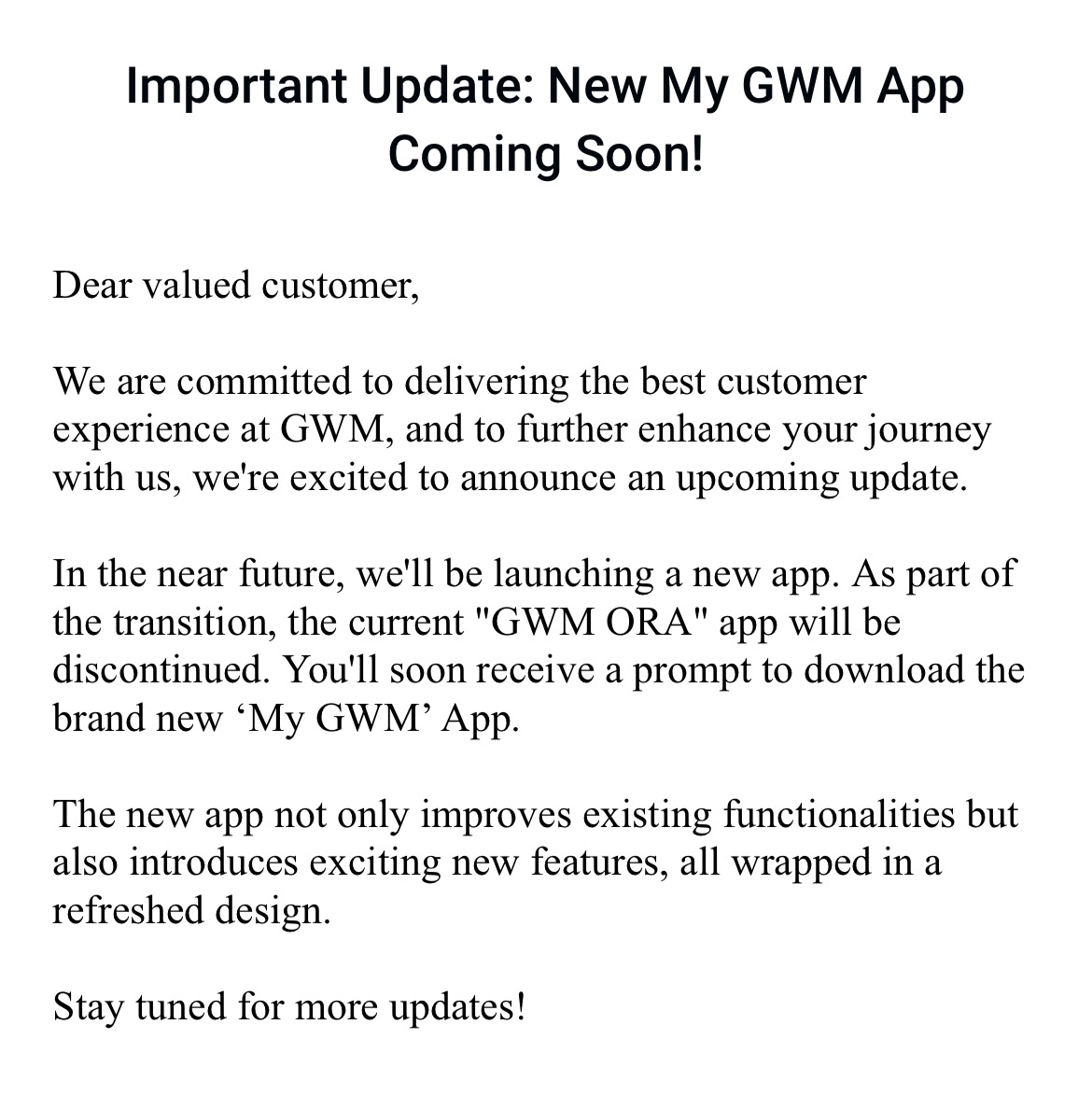
Recently saw on the app (and in an email) that there is to be a new Ora app for the Funky Cat.

Screenshot

Important Update: New My GWM App

Coming Soon!

Dear valued customer,

We are committed to delivering the best customer experience at GWM, and to further enhance your journey with us, we’re excited to announce an upcoming update.

In the near future, we’ll be launching a new app. As part of the transition, the current “GWM ORA” app will be discontinued. You’ll soon receive a prompt to download the brand new ‘My GWM’ App.

The new app not only improves existing functionalities but also introduces exciting new features, all wrapped in a refreshed design.

Stay tuned for more updates!

I generally use the app to check my car’s progress in charging. The map function has never worked for me, when I am at home, my car appears to be in Croydon.

There is no indication about the functionality of the new app and whether it is a direct replacement, or something new and better (or possibly not as good).

No timeframe has been given.

Saw one in the wild…

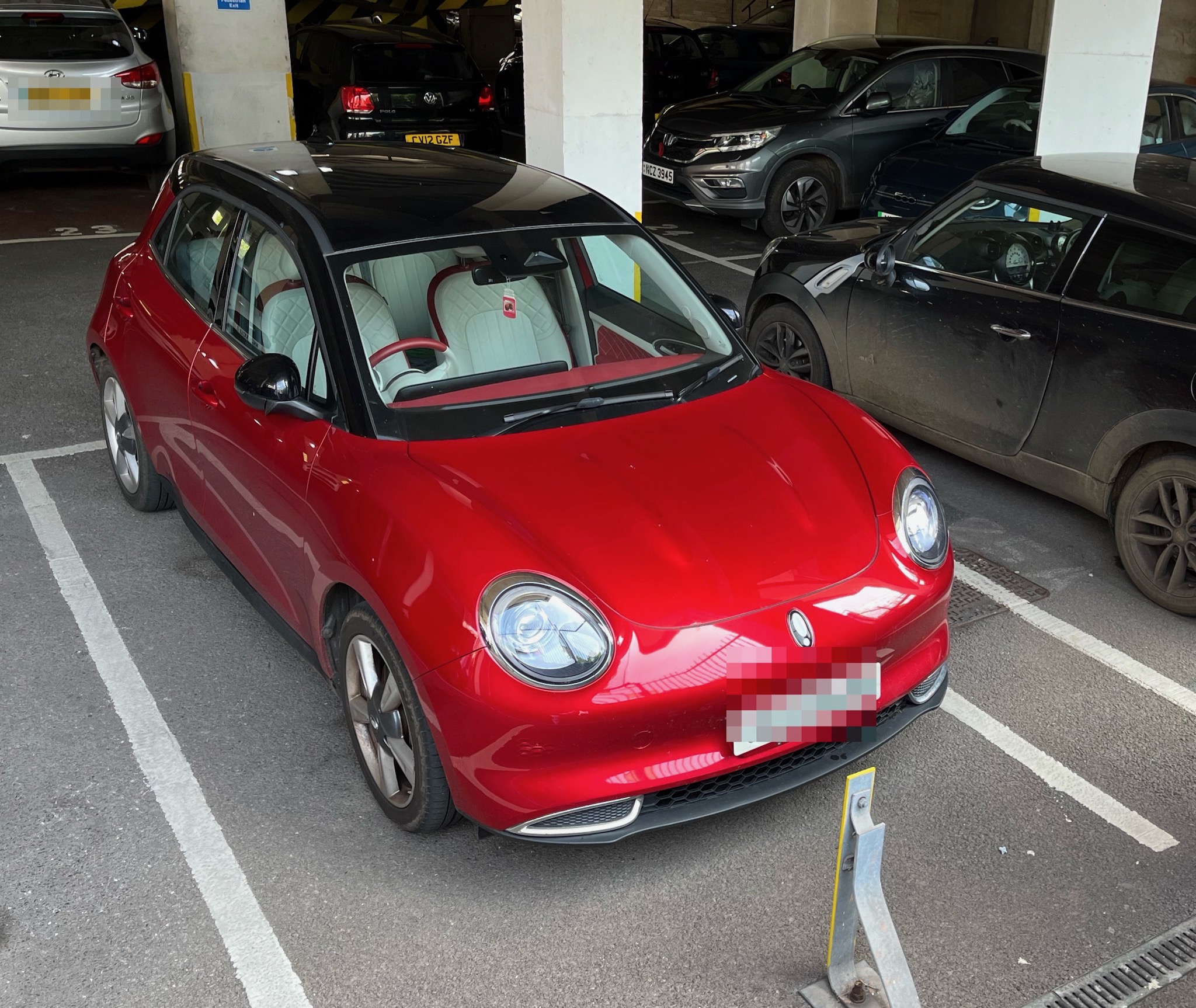
Saw another red Funky Cat in the wild, parked in Castlemead in Bristol.

This is only the third wild Funky Cat I have seen. Though I am not sure if the first sighting was a Funky Cat now, as I haven’t seen it again. The second was a red Funky Cat at Junction 19 of the M5 coming from Portishead.