My 4G still keeps getting lost….

Back in January I blogged about issues I was having with my iPhone 6S Plus and the Three network.

The problem is still happening, it’s just that I notice it less as the lock down restrictions meant I was driving a lot less (so didn’t use the phone for music and podcasts, which I use to do for long journeys). Even when walking and cycling as part of our government sanctioned exercise I wasn’t using my phone.

So the issue I have is I have been at home on the Wi-Fi, I leave the house and then wherever I am I check the phone as find that it says.

Could not activate mobile data network Turn on mobile data or use Wi-Fi to access data.
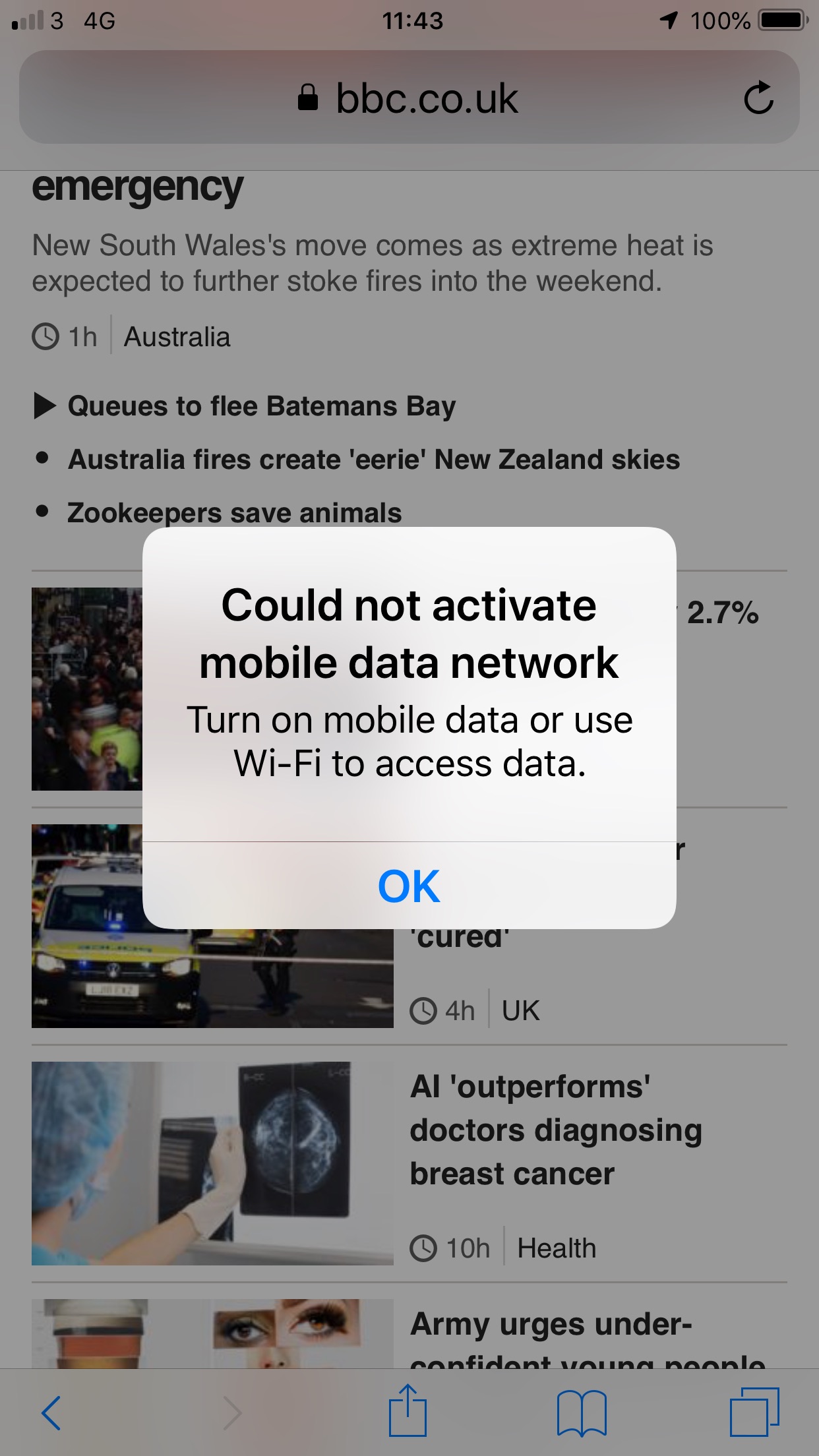
This is even with 4G being in the top of the phone. Clicking OK results in no change. You are still not connected to the internet. As you can see in this screenshot the phone does show 4G at the top.

What’s interesting, was that I thought it might be a handset issue, but family (also with Three) are having similar issues with their iPhone 6S and a newer iPhone XS.

At the moment, the solution is to go to airplane mode and then turn that off. At which point all works fine. Even if you turn off mobile data and turn it back on again, that doesn’t work. It’s airplane mode or nothing!

I am going to update the iOS on my phone, which I haven’t wanted to do, as newer iOS upgrades often result in different problems on older phones. I think it might be an phone operating system issue rather than the network. Having said that, Three are working on the network this week, so I will probably wait until next week, just in case. If I still have the issue, it’s upgrade time!

Alexa in my car…

car

Only the other day I was thinking how useful it would be to have Alexa in the car…

I use an Alexa device at home for timers, news, music, questions, and podcasts.

When driving, well before I start driving, I set up my phone via Bluetooth and then listen to music or podcasts through the car speakers. However if I want to skip a track or listen to another podcast, I either don’t skip, or I have to stop the car, park and then adjust the app to whatever I want to listen to.

It’s nice at home to say “Alexa, skip” or similar when listening to stuff.

Siri can do some stuff, but I find she isn’t as good as Alexa for some things. She’s great for sending texts for example via voice, but not quite as good as doing the music stuff, well I don’t subscribe to Apple Music is part of the issue, however I do have Amazon Prime.

So I was wondering if I could get Alexa for my car, but I generally think this whilst I am driving, so couldn’t search the web to find out.

However this week I saw Echo Auto on the Amazon website (well Alexa must have been listening).

What it does is it connects to the Alexa app on the phone and then plays through the car speakers.

Something else that looks useful is Waze integration, and I found this link on how to do that.

This looks like just what I was wanting…

However as we are still in lockdown and I haven’t actually filled my car with petrol since the middle of March. I am not driving long distances these days, which is when it would come in handy. Additionally, I am not doing too many short drives either.

I think it’s something I will add to my wish list and buy at a later date, once I start doing longer drives, which looks like it might be a few months away now, or even next year.

How are we using gas overnight with our new smart meter?

kettles on the boil
Image by Pexels from Pixabay

When we moved recently to a new tariff for our electricity and gas we had to have a smart meter installed. I was happy with the old system, but cheaper energy meant we had to go smart!

It has been interesting to see how much energy we are using and how that compares day to day.

Having moved the smart meter remote display to the kitchen, I started to notice that we seemed to be using a fair amount of gas and electricity overnight! This made no sense, as we didn’t have the heating on, no hot water was running and the only electrical device running was the fridge!

Observing over the week, I started to think, did we have a gas leak? Was something wrong with our smart meter? Was the smart meter display dodgy?

I thought I better contact our energy supplier. However first I decided to search the web to see if other people were having the same issue.

Well as it happens, they were.

Was something dodgy going on?

No.


What the “usage” was showing was the fixed daily  standing charge for the gas and electricity, which is added to the “bill” before any actual usage is added.

So it looks like first thing in the morning you have spent a lot on gas and electricity, whereas the reality its you haven’t, you’ve merely paid a charge to enable you to use gas and electricity.

Well that makes sense…

Though I wish something had been said about this when the whole thing was set up earlier this year.

I can now go and worry about something else now!

Unexplained blurry photographs

So there I was on a cycle ride down to Brean, just to note that I am following government advice during this national emergency and cycle ride was for my government sanctioned exercise, when I decided to take some photographs.

As part of my photo of the day I decided to take a photograph of The Great Bird Screen of Brean. I took a few so that I could choose one later to post to Instagram and my personal blog.

I used an iPhone 8 to take the photographs and have not had issues with it before.

I managed this shot fine, which is the one I eventually used.

This wasn’t the one I thought I would be used, as when I got home I found that some of my later images were blurred.

No clear indication why they were blurry, it wasn’t as though I was moving the camera or the such like.

When I took a photograph later that day, it was fine!

So I have no explanation of why these photographs were blurry and earlier ones weren’t and nor were later ones.

No more old Twitter

Back in August 2019 I wrote a blog post about how to use Chrome or Firefox extensions to use the “old” Twitter web interface instead of the new Twitter interface.

So you don’t like the new Twitter?

Well you can revert back to the old one in a couple of ways.

If you are running Chrome or Firefox then there is an extension you can install which forces your browser to use the old Twitter interface.

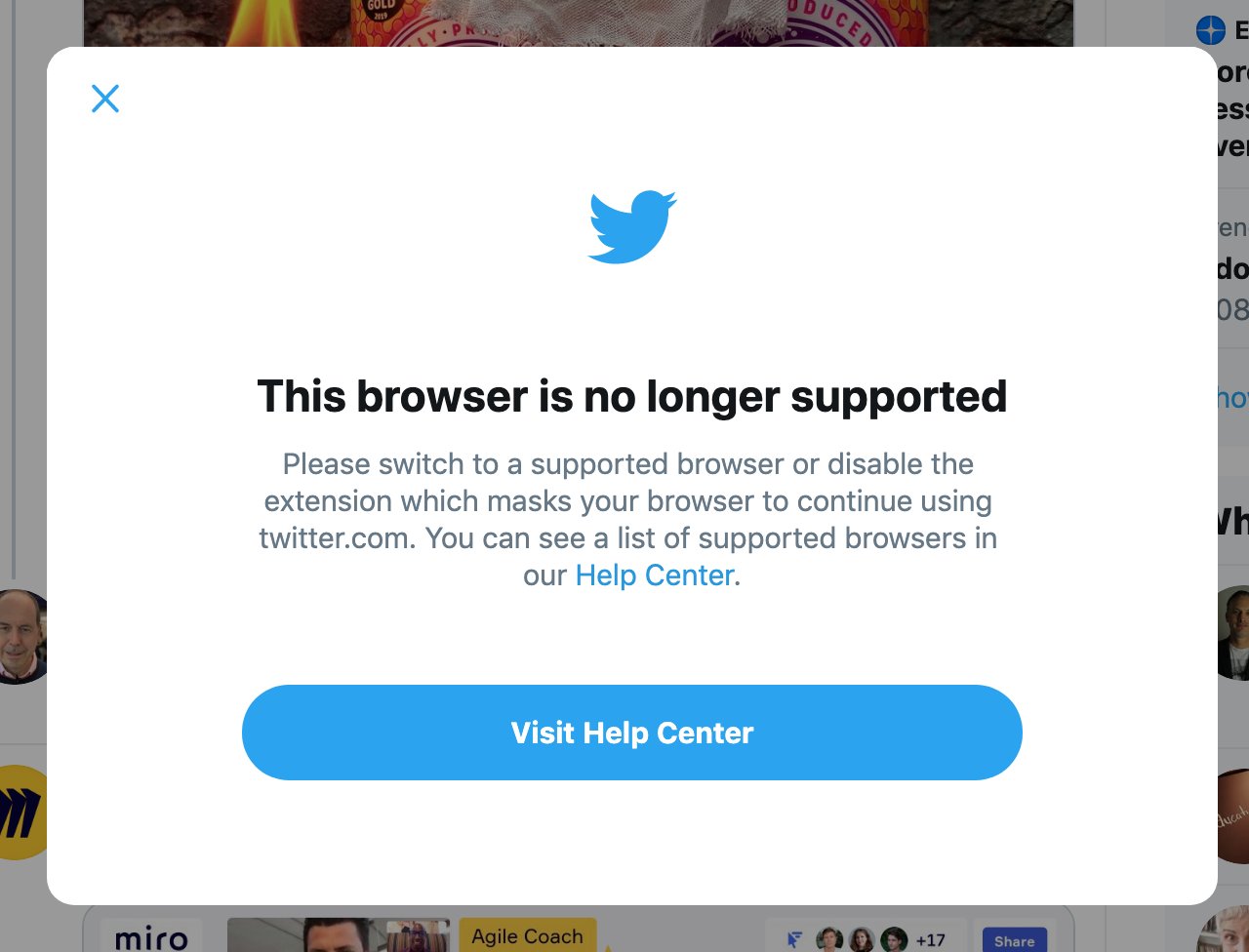
Alas, as of the 1st June, changes at Twitter has meant these extensions no longer work and you are now forced to use the new Twitter! When you attempt to use them you get this error message.

I am now looking for a Twitter client for my Mac which looks like the old Twitter…

I want the old Twitter back....