Three years ago my iPad arrived (a day earlier than the official release date). I initially reviewed the iPad on my eLearning Stuff blog and posted some early thoughts there too.
Today on the eLearning Stuff Blog I have reflected on the last three years and how that first generation iPad is still been used on a daily basis.
One of the key issues I have my (slightly ageing, but still useful) Google Nexus One is one of storage. Yes it has an SD card slot, but the problem I am having is with the onboard phone storage.
There is only 200MB of onboard storage and though many Android apps can be run off the SD Card, some of the key apps I use can’t.
I recently downloaded an update to the Google+ App that comes in at 10MB which immediately resulted in the Nexus One throwing a hissy fit. I was able to get that app moved to the SD card, so the phone calmed down.
What this actually means is that I can’t use the Google Nexus One in the way I would like, in trying different kinds of apps. This was never a problem on the iPhone where the onboard storage of 8GB or 16GB made it much easier to manage apps.
There is no way to upgrade the onboard storage from the 200MB, so for the moment there is very little I can do.
Does anyone know if this is still an issue with the newer Android phones?
Well Flickr has undergone a makeover and their website is now very modern and stylish.
It reminds me very much of the iPhone app, so where is the iPad app then?
Yahoo have also changed what you get in the “free” account, before you had a limit of 200 photographs and no full size images. Now for free you get one terabyte of storage and full resolution images.
I have a Pro account on Flickr and there are still some advantages to having that, but it’s impressive that Yahoo have taken the plunge to move Flickr forward to compete with the likes of Facebook and Google+.
Certainly with the way that the Flickr API works, it makes sense to grab a free account and use Flickr as a backup to your other photo sharing services. Having an account doesn’t mean you need to partake in groups or have contacts.
Flickr for me is quite old school Web 2.0 and I think that’s the reason I have stayed there, rather than move to shiny new services. I do do the Instagram, but will usually copy images from there to Flickr.
It’s interesting to see how old school Yahoo is now evolving, as it’s not only do we get a new Flickr, but they’ve just gone out and bought Tumblr. Interesting times.
If you are a regular user of Google Docs (sorry Google Drive) you will know how useful it is. What I didn’t know, well didn’t register with me, was the way that you can integrate a whole range and variety of apps making it much easier to create stuff.
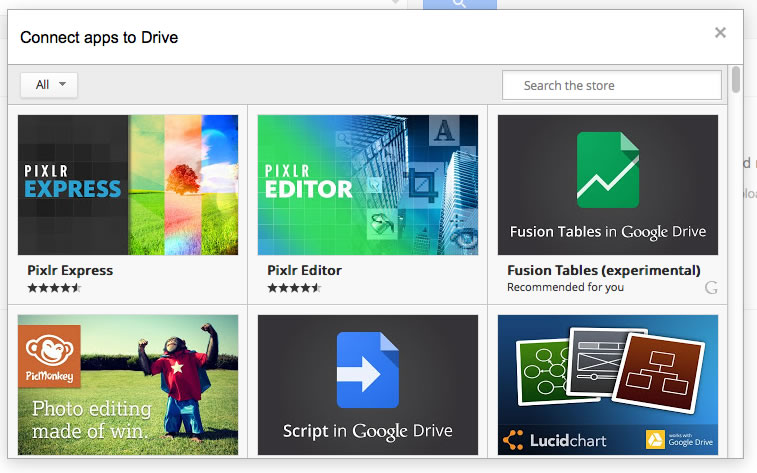
On a regular vanilla Google account when clicking Create you see the standard document formats that we are all use to. However at the moment if you look down you can see Connect more apps.
Click this and you will bring up a new dialogue with lots of different apps.
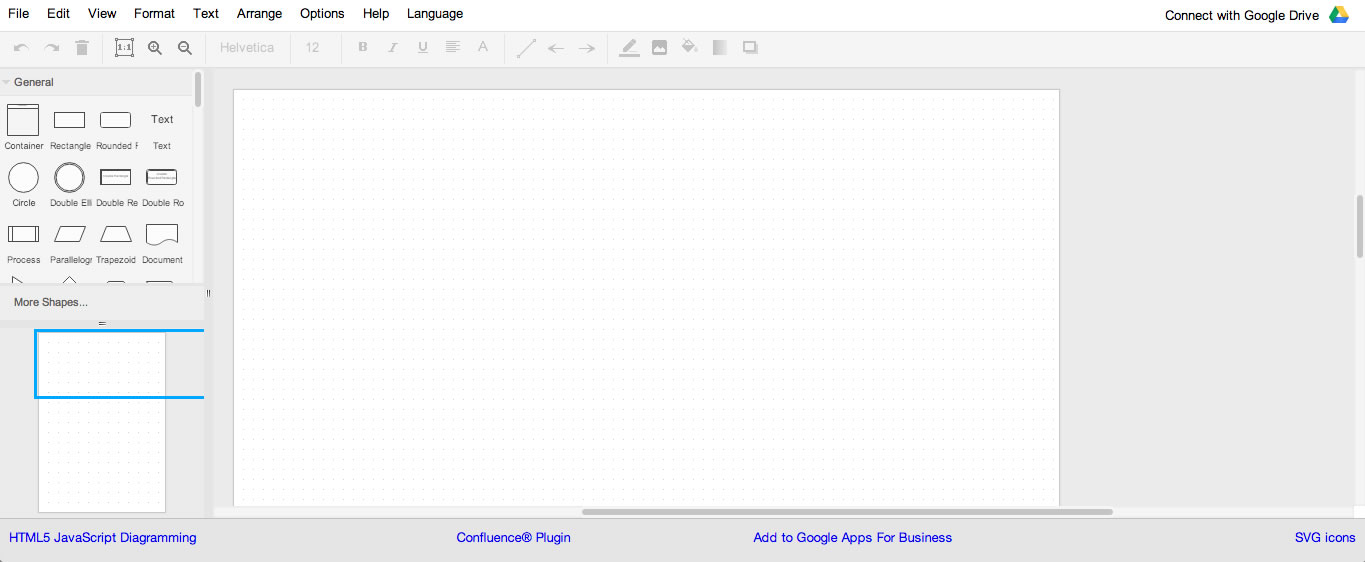
I do like Draw.io which makes it very easy to create diagrams.
Movenote is a very nice presentation tool that combines video with a document, making it very simple to create short learning objects.
There is also MindMeister mindmapping.
As all the files are stored in your Google Drive you can access them from any computer with a modern web browser.
I am still exploring the different apps available, but if you are already using an app, drop me a comment about which apps you are using.
Update: Just a quick thank you to Yousef Fouda @YFouda who showed me this at the AOSEC meeting today.